Configure Alarm Notifications
NovoOne Platform supports alarms designed to record information about changes for your tenants and your resellers' tenants. This topic describes how to enable or disable notification for alarms.
Procedure
- Log in to NovoOne Platform portal, go to .
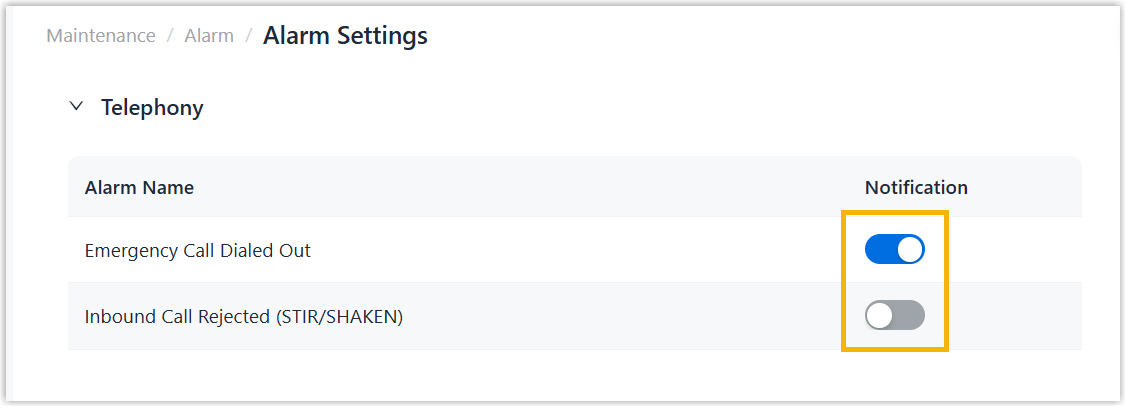
- In the Notification column, turn on or turn off the
switches for desired alarms as needed.
For more information about these alarms, see Supported Alarms.
Result
When events corresponding to the alarms with notifications enabled occur within any tenant, the system records the alarms in Alarm List and sends alarm notifications to email addresses of your and your colleagues' accounts.