Enable Emergency Call via Mobile Number
Emergency Call via Mobile Number feature allows you to route emergency calls through your mobile network when dialing an emergency number configured on the system, ensuring accurate location information is provided to emergency services. This topic describes how to configure the feature on the NovoOne Mobile Client.
Requirements
System administrator has configured emergency numbers on the system.
Procedure
- At the top-left corner of NovoOne
Mobile Client, tap your account.
You will enter the Profile & Settings page.
- In the FEATURES section, tap Call Features.
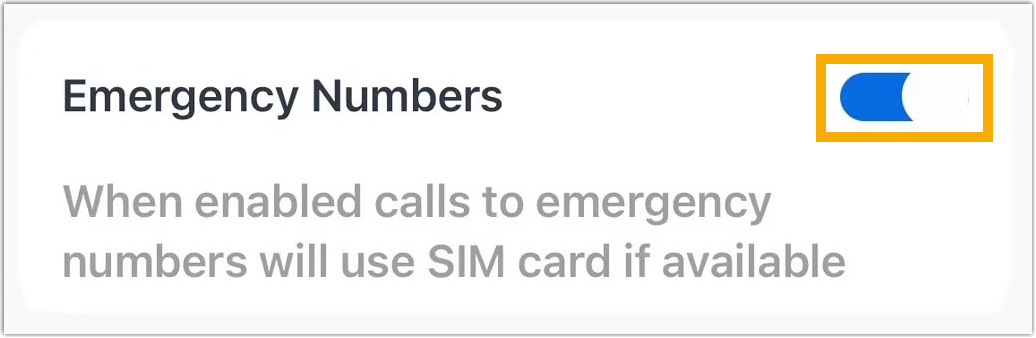
- Turn on the switch of Emergency Numbers.
Result
When you dial an emergency number on NovoOne Mobile Client, it will be diverted to your device's native GSM dialer and placed directly through your mobile network for accurate location tracking, rather than through the Mobile Client.