Improve Audio Quality
You can improve the call quality of NovoOne Mobile Client by adjusting echo cancellation and audio gain settings.
Procedure
- At the top-left corner of NovoOne
Mobile Client, tap your account.
You will enter the Profile & Settings page.
- Scroll down to the SETTING section, then go to .
- Configure the following settings according to your
needs.
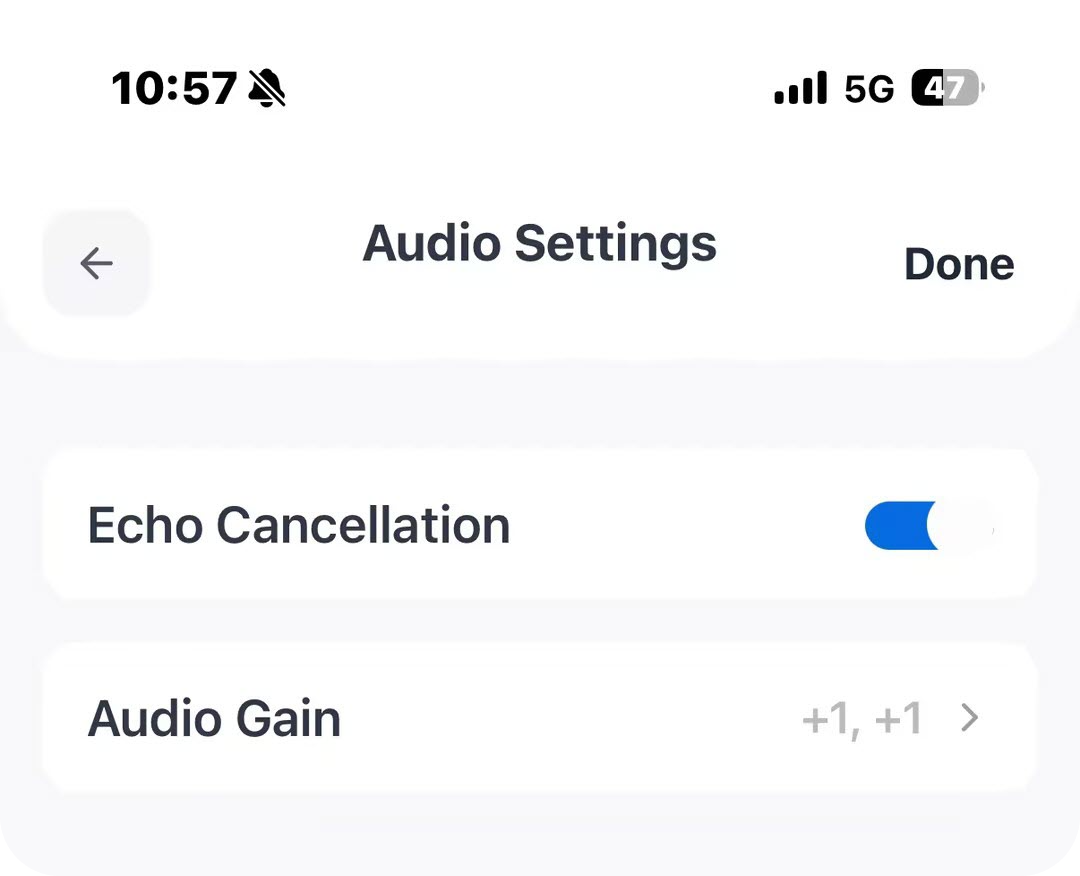
Setting Description Echo Cancellation Enable this option to reduce echo during calls. Audio Gain Adjust the audio gain for the audio received and send. Note: This is helpful when you suffer from poor call quality (e.g., the other party's voice is too low, or your voice is too loud for the other party). - At the top-right corner, tap Done.