Change Display Language
By default, the interface of the NovoOne Mobile Client is displayed in English. You can change the display language according to your need.
Procedure
- At the top-left corner of NovoOne
Mobile Client, tap your account.
You will enter the Profile & Settings page.
- Change the display language of the interface as needed.
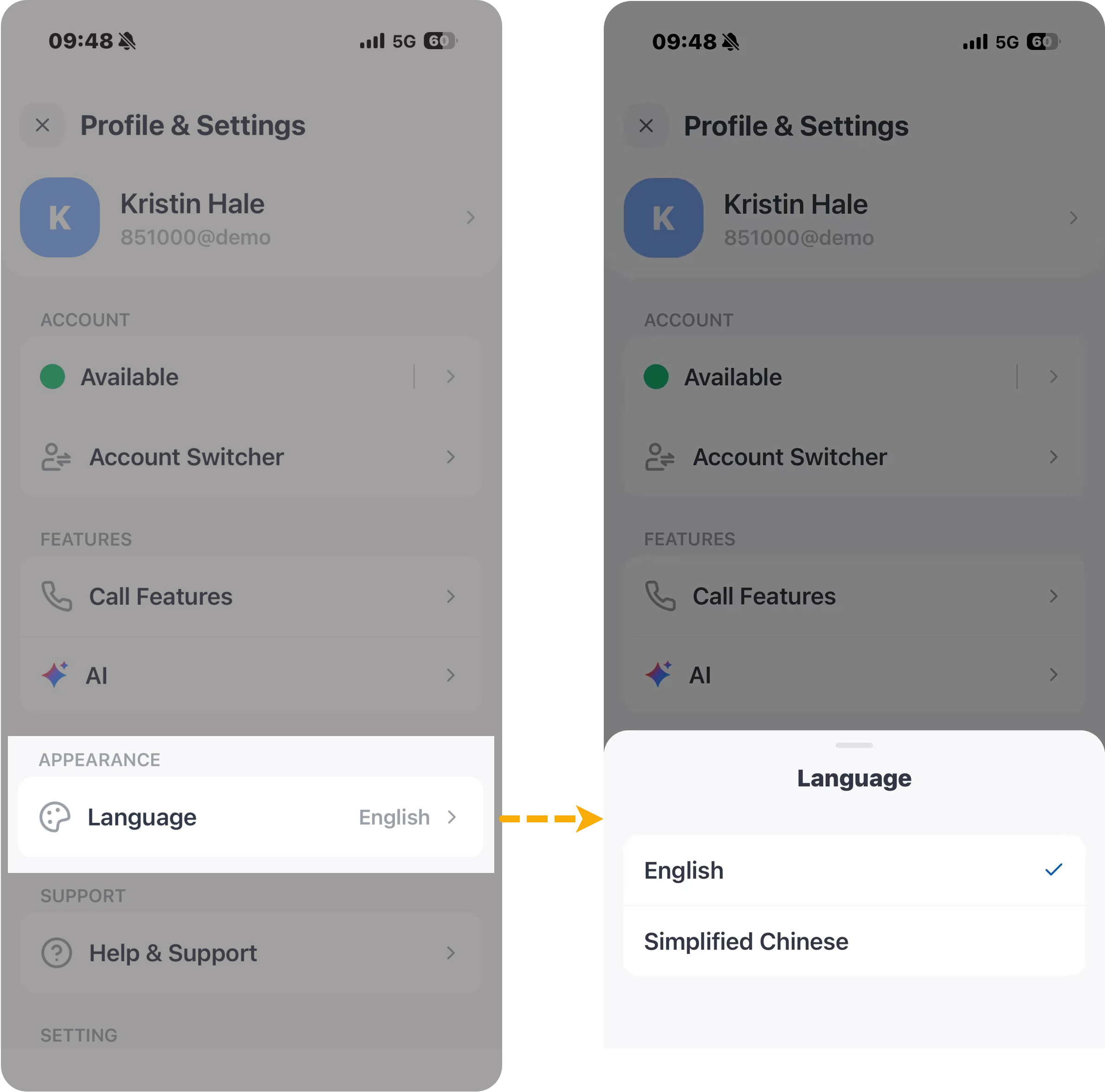
- In the APPEARENCE section, tap Language.
- Select your preferred language.
Result
The interface switches to the selected language immediately.