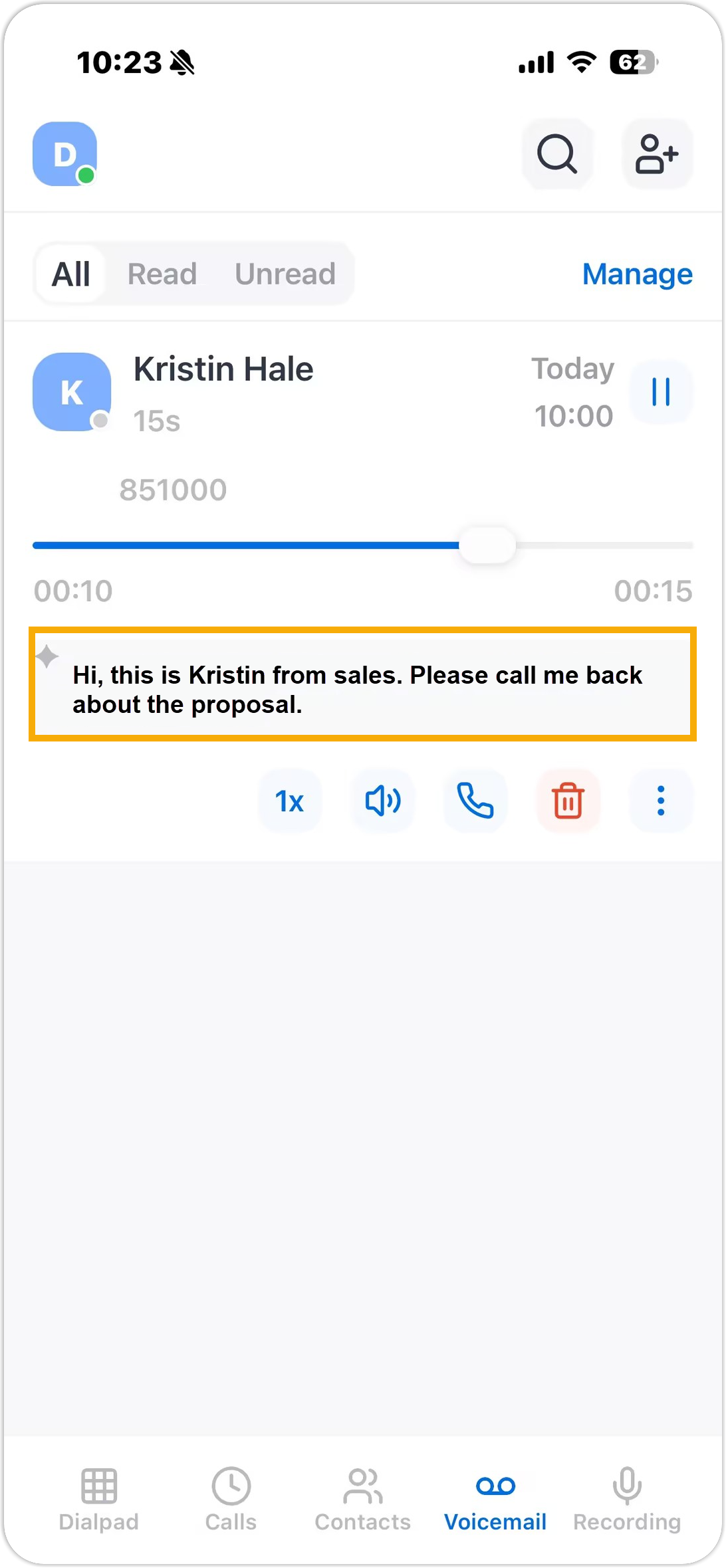
Configure AI Voicemail Transcription
With AI-powered Voicemail Transcription feature, your voicemail messages can be transcribed to readable text, which allows you to efficiently view and manage voicemails as text. This topic describes how to configure AI voicemail transcription according to your preference on NovoOne Mobile Client.
Requirements
System administrator has enabled the Voicemail Transcription feature and granted you permission to use it.
Procedure
- At the top-left corner of NovoOne
Mobile Client, tap your account.
You will enter the Profile & Settings page.
- In the FEATURES section, tap AI.
- In the Voicemail Transcription section, configure the
following settings according to your need.
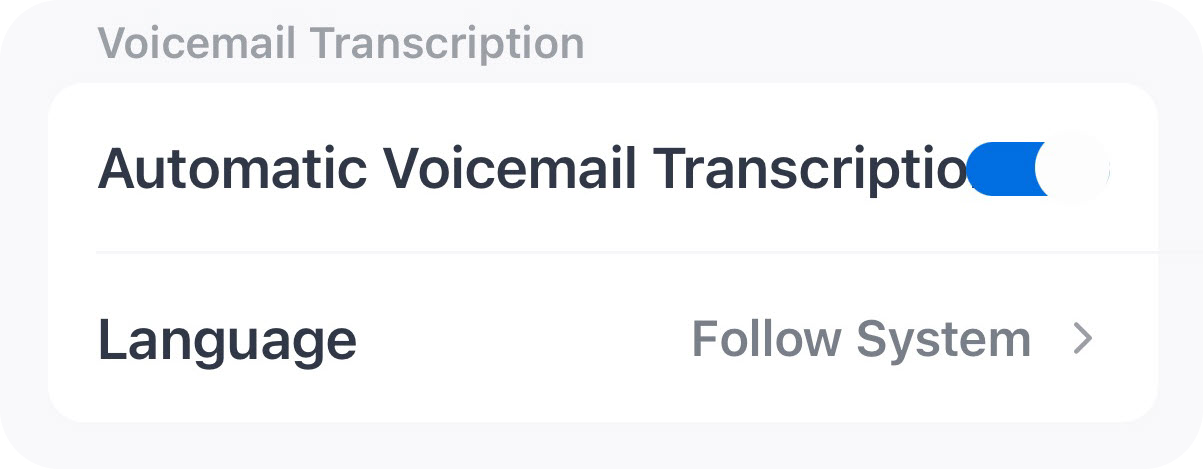
Setting Description Automatic Voicemail Transcription Specify whether to automatically transcribe your voicemail messages. Note: If this option is disabled, you need to manually trigger the transcription for specific voicemails when needed.Language Select the language in which the your voicemail messages will be transcribed. Note: If set to Follow System, the language specified in the system's voicemail transcription settings will be used. - At the top-right corner, tap Done.
Result
Messages delivered to your voicemail will be transcribed into text in the specified
language, either automatically or manually; The transcribed voicemail messages are
marked with an icon  .
.