Receive Fax through a Dedicated Trunk
You can assign one or more trunks to receive faxes, and tell your customers to send faxes to the dedicated trunk number.
- Go to , click Add.
-
On the configuration page, select the dedicated trunk to the
Selected
box.

-
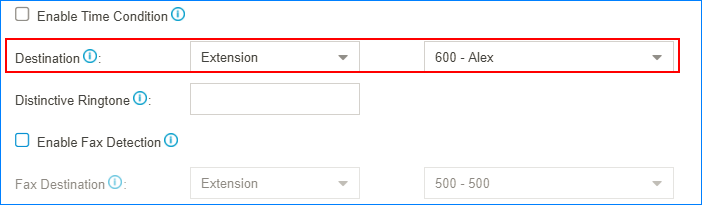
Set the Destination to
Fax to Email.
- Click Save and Apply.