Search Company Contacts
Search company contacts.
MCP tool
search_contactsTool parameters
You can specify the following parameters in your request.
| Parameter | Required | Description |
|---|---|---|
| search_value | Yes | The value to search for, which can be a contact name, number, email address, or company name. |
| page | No | The page number to retrieve (default: 1). |
| page_size | No | The number of records to return per page (default: 20). |
| sort_by | No |
The contact field to sort by, such as contact name or business
phone number.
Note: You can ask your MCP
client what sorting options are supported using a prompt
such as
"How
can I sort company
contacts?" |
| order_by | No |
Sort results in ascending or descending order. |
Example
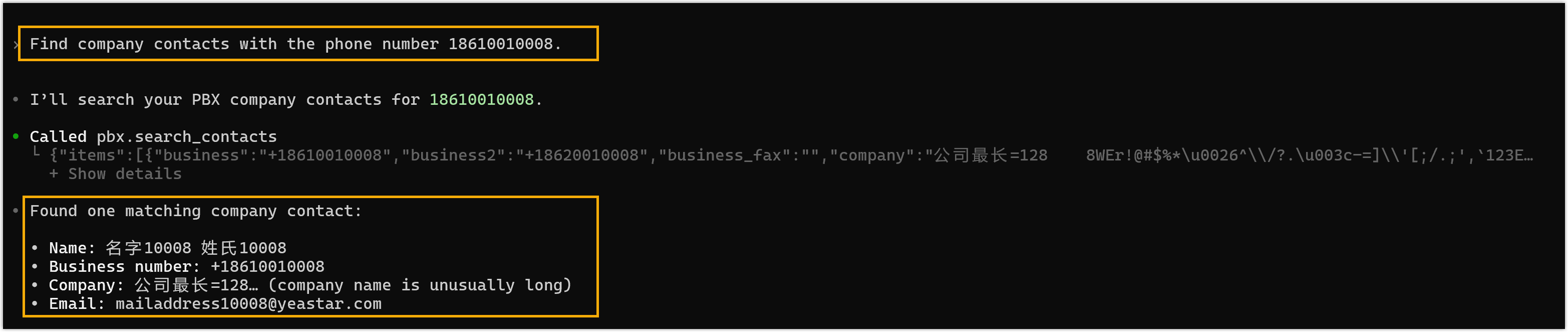
The following example demonstrates how to use a natural language request in Codex to
call this tool and search company contacts.
- Prompt example
-
Find company contacts with the phone number 18610010008.
- Response example