Cancel a Scheduled Fax
After you schedule an outbound fax, it will be sent at the designated time. You can cancel the scheduled fax if it is no longer needed.
Procedure
- Log in to Linkus Desktop Client, go to .
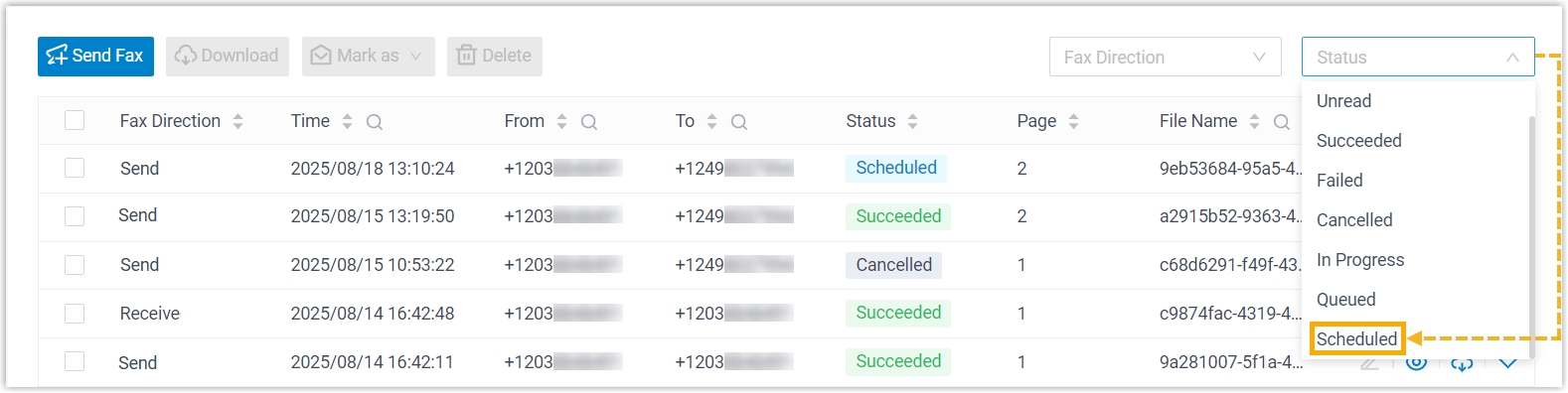
- Optional: At the top of the list, set Status
to Scheduled to filter the scheduled faxes.
- On the right of the desired fax, click
 ,
then select Cancel.
,
then select Cancel.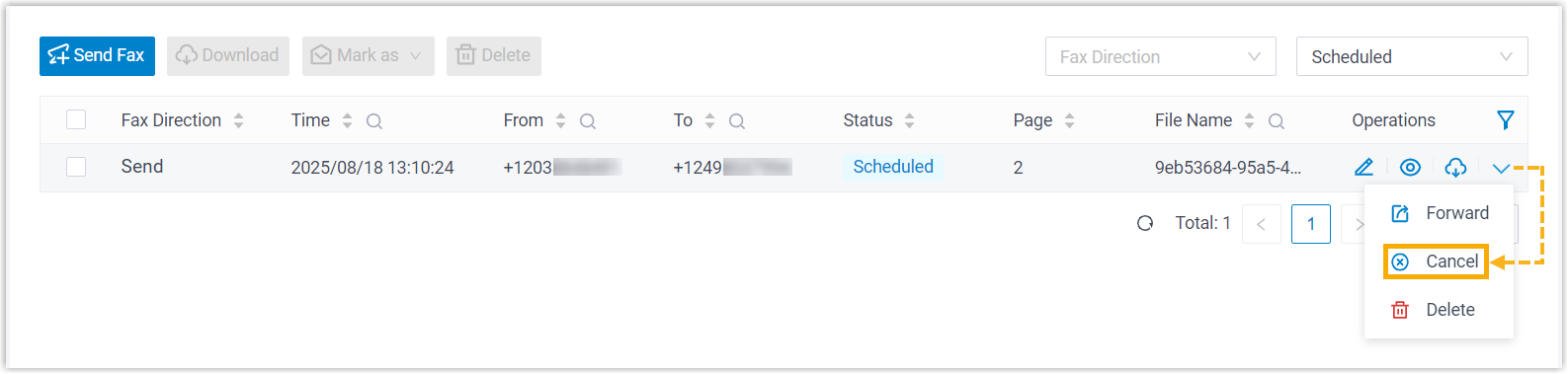
Result
The scheduled outbound fax is cancelled.