Log Out of NovoOne Platform Portal
This topics describes how to log out of NovoOne Platform portal when you don't need to work on it.
Note: By default, NovoOne Platform portal
automatically logs out your account in the following situations:
- After 2 hours of inactivity on the webpage.
- After 12 hours from login, regardless of user activity.
Procedure
- Log in to NovoOne Platform portal, click your account at the top-right corner.
- In the drop-down list, select Logout.
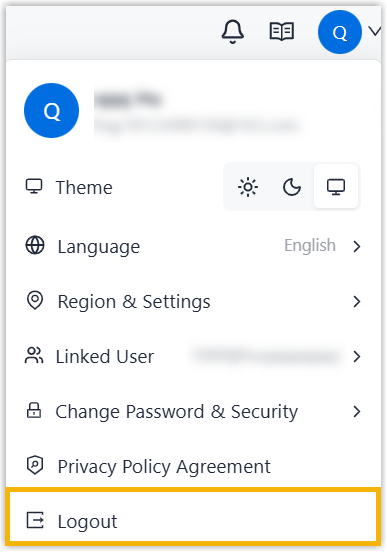
- In the pop-up window, click Confirm.