Change Login Password
This topic describes how to change your login password for more security.
Procedure
- Log in to NovoOne Platform portal, click your account at the top-right corner.
- In the drop-down list, click Change Password &
Security.
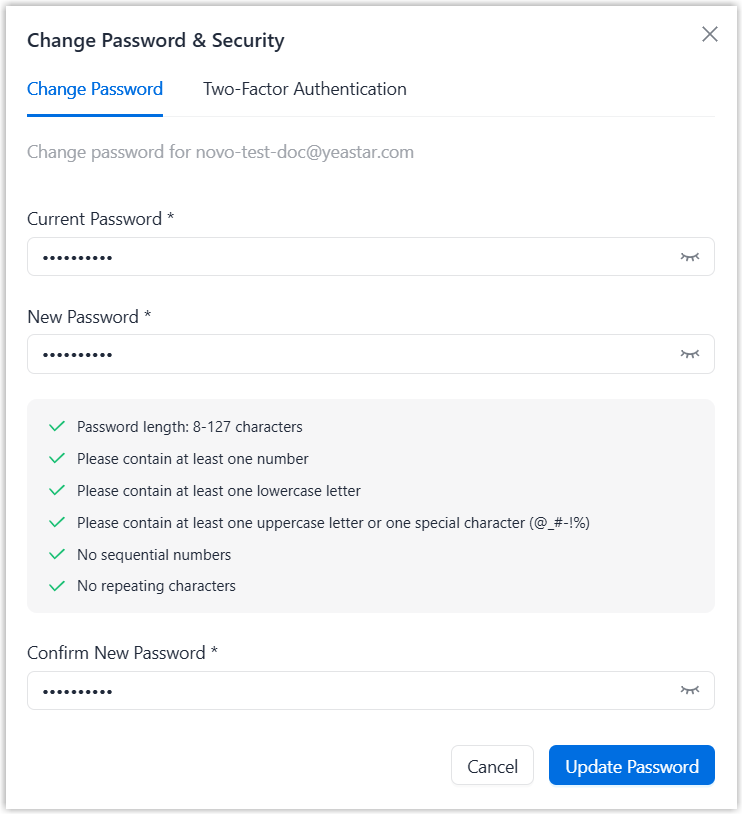
A password change window pops up.
- Under the Change Password tab, fill in your current
password and the new password, then click Update
Password.
Result
The password is changed, and you are logged out of NovoOne Platform portal directly. You can log in using the new password.