View Onsite Proxy Instances
This topic describes how to view all Yeastar Onsite Proxy instances across multiple PBXs in the overall instance list, where you can monitor the current status of each instance at a glance, and check their detailed information.
Note: To view instances associated with a specific P‑Series PBX, you
can access the list of P-series Cloud PBXs or remotely connected P-series Software
Editions, where the associated instances are displayed in their details page. For more
information, see Check Onsite Proxy Instances of a P-series Cloud PBX and Check Onsite Proxy Instances of P-Series Software Edition.
Requirements
-
The firmware of Yeastar Central Management is 87.19.0.27 or later.
-
The PBX firmware version should meet the following requirements:
- P‑Series Cloud PBX: Version 84.23.0.23 or later.
- P‑Series Software Edition: Version 83.23.0.23 or later.
Procedure
- Log in to Yeastar Central Management, go to Onsite Proxy.
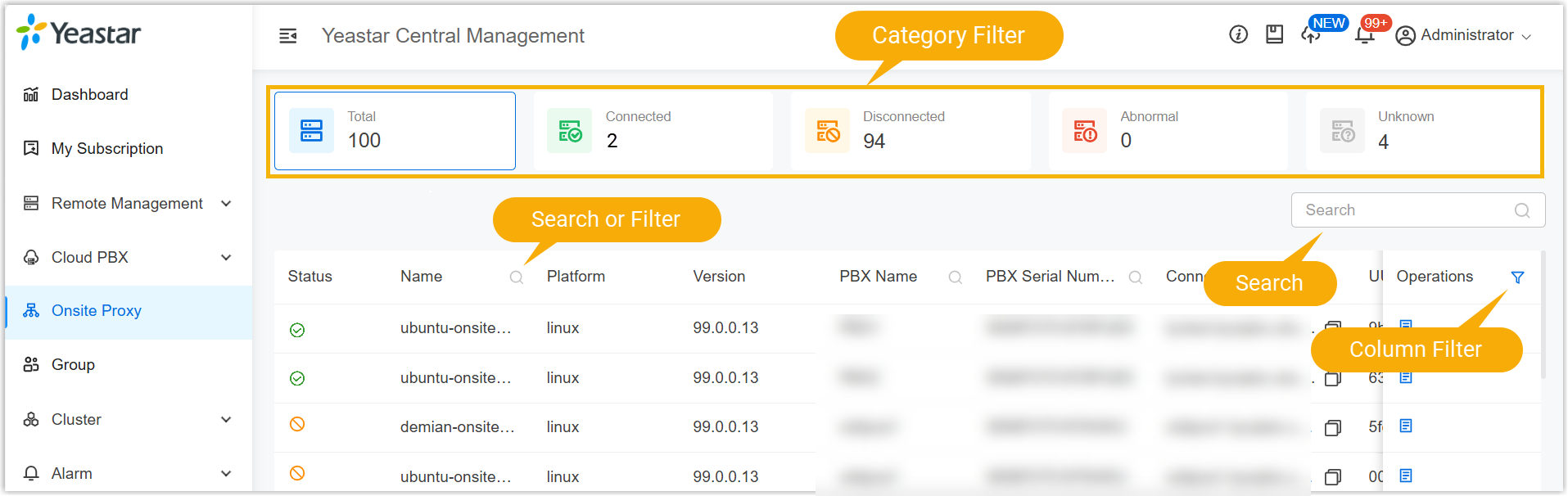
- Optional: Search or filter the desired Onsite Proxy instances from
the list.
- Click
 beside the desired instance.
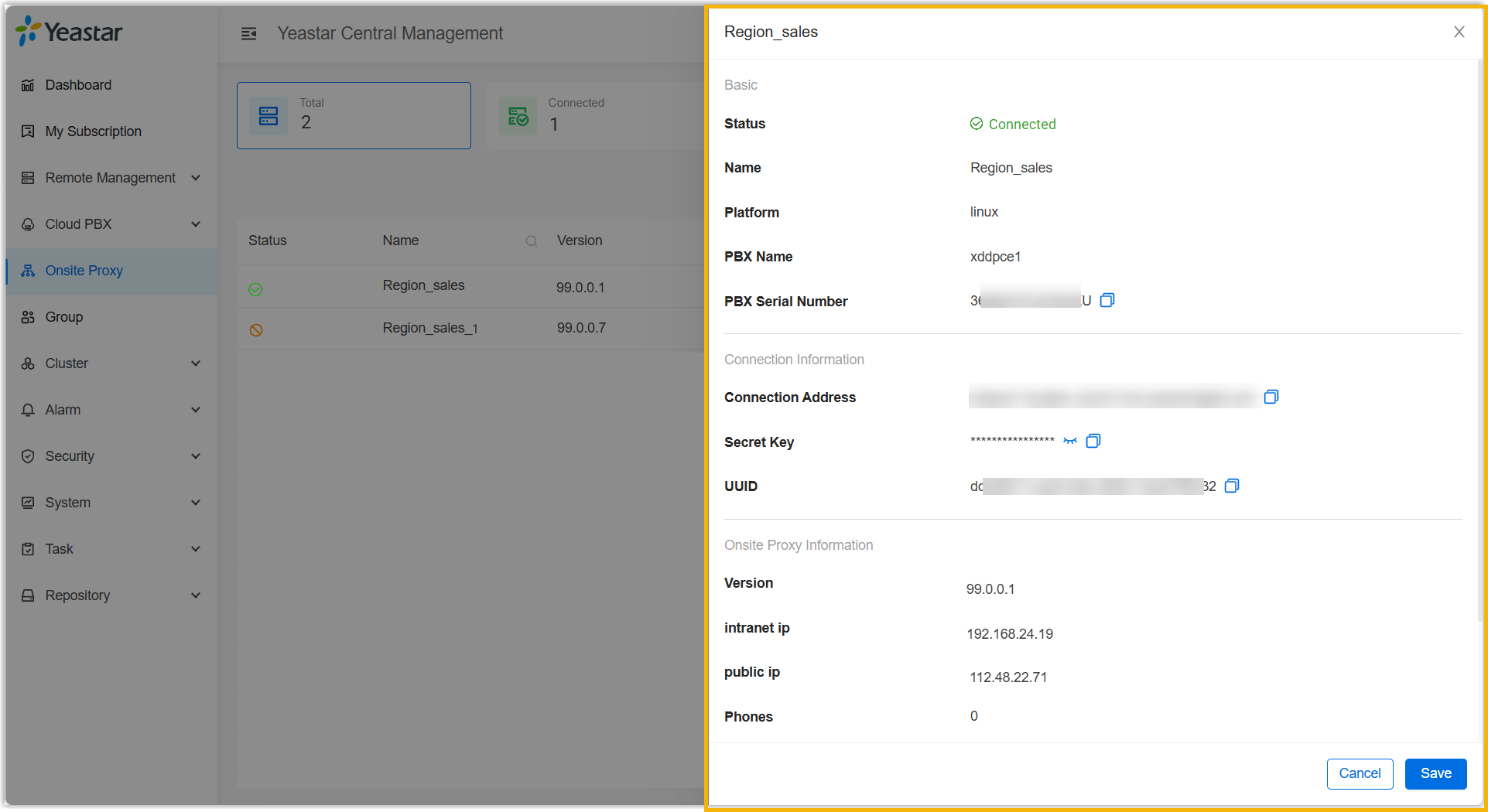
A sidebar opens on the right, displaying the instance details. For an explanation of the details, see Onsite Proxy Instance Information.