Flip an Active Call between Devices
Call Flip feature allows you to effortlessly and seamlessly flip an active call from Linkus Desktop Client to another device (with your extension registered), without any interruption to the conversation.
Scenario
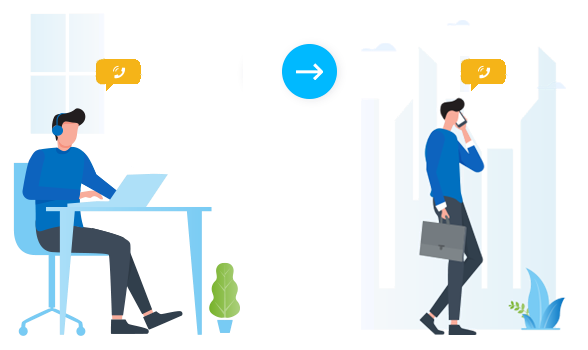
Assume that you are in a call with a customer, but have to get out of the office. In this case, you can flip the call to your mobile phone, keeping talking without customer knowing the switchover.
Requirements
Your extension has been registered on more than one device.Procedure
- During an active call, click Call Flip.
All the other devices where your extension is registered are displayed.
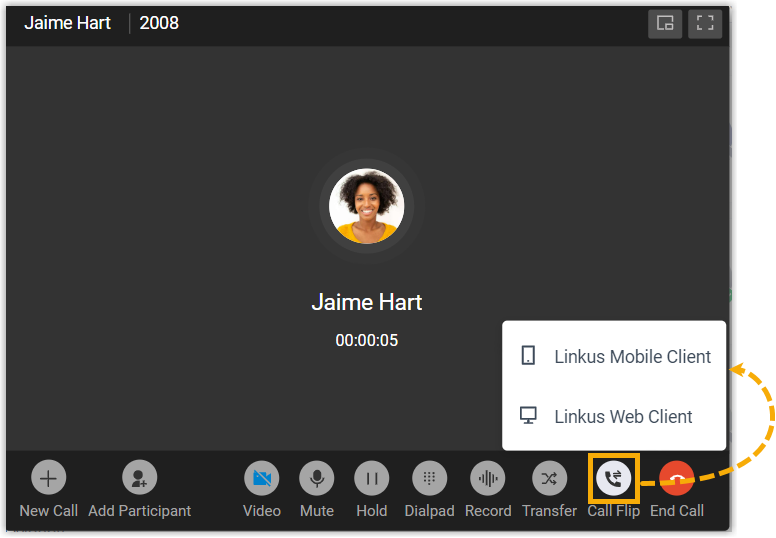
- Click the desired IP phone or Linkus
client type.Linkus will make a call to the logged-in Linkus clients or registered IP phones.Tip: In case you want to cancel call flip, click Cancel at the bottom-right corner of the call screen.
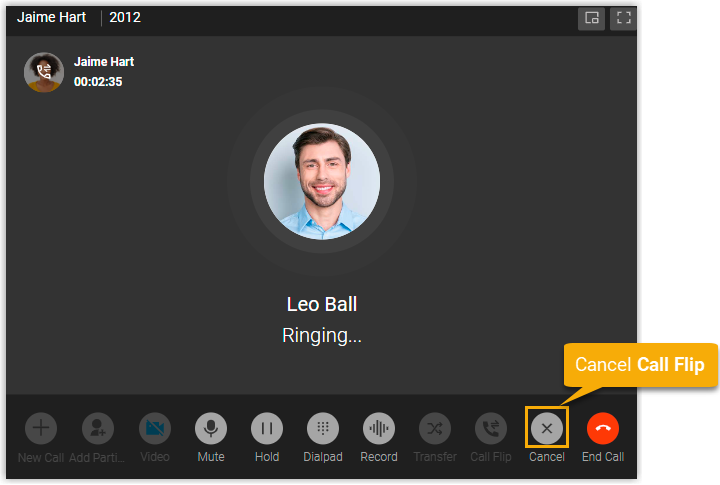
- Answer the call on the desired IP phone or Linkus client.Note: If the extension has been registered on multiple IP phones or logged in to multiple Linkus clients, you can answer the call from one, and the others stop ringing.
Result
The call is flipped from Linkus Desktop Client to the desired device.