Enable or Disable a Message Flow
This topic describes how to enable or disable a message flow.
Enable a message flow
- Log in to PBX web portal, go to .
- Turn on the switch of the desired message flow, and click
OK in the pop-up window.
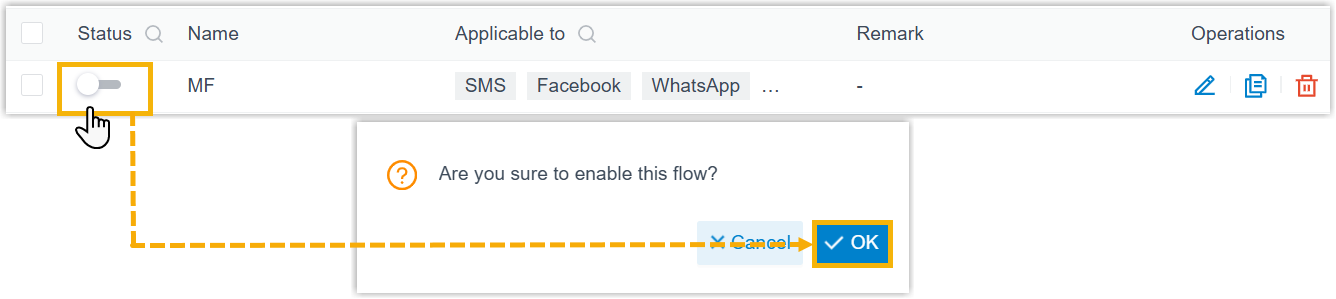
The message flow is enabled, you can set it as the destination for applicable channels to route inbound messages received via the channels to this flow.
Disable a message flow
Note: If
a message flow has been set as the destination for channels, deleting the flow
will render these channels' destination configurations invalid. You must
reconfigure new destinations for the affected
channels.
- Log in to PBX web portal, go to .
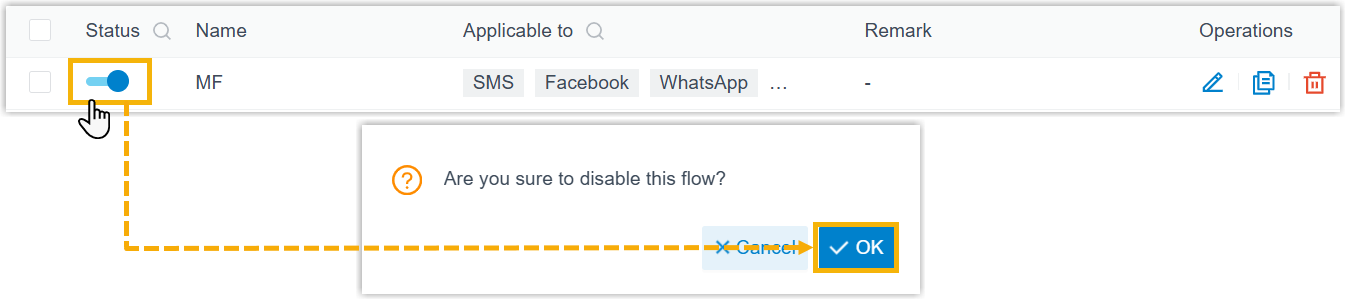
- Turn off the switch of the desired message flow, and click
OK in the pop-up window.