Manually Trigger Data Synchronization to a Third-party Database
By default, Yeastar P-Series PBX System synchronizes the specified data to the third-party database at a scheduled interval. You can also initiate synchronization manually at any time, any data generated after the last synchronization will be synchronized to the database immediately.
Procedure
- Log in to PBX web portal, go to .
- Manually trigger data synchronization.
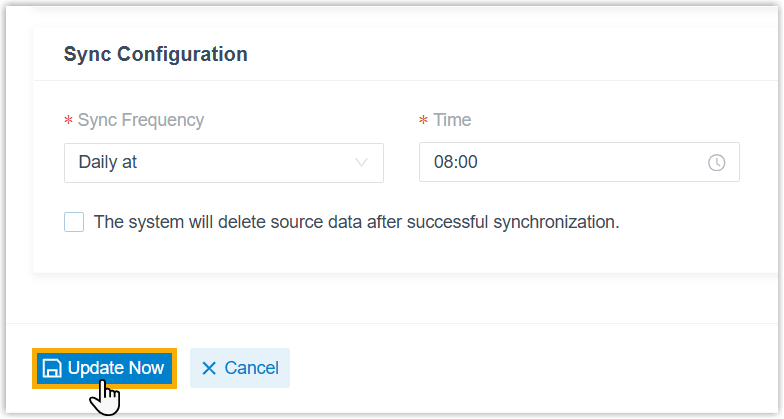
- On the bottom of the page, click Update
Now.
- In the pop-up window, click OK.
The system will verify the database connection.
- In the pop-up window, click Confirm.
- On the bottom of the page, click Update
Now.
Result
Any data generated after the last synchronization will be synchronized to the database immediately.