Enable NovoOne Clients for Users
After NovoOne Client resources are allocated to your tenant, you can enable the clients for specific users.
Procedure
- Log in to NovoOne Tenant portal, go to .
- Click
 beside the
desired user.
beside the
desired user. - In the NovoOne Clients tab, enable the
desired clients .
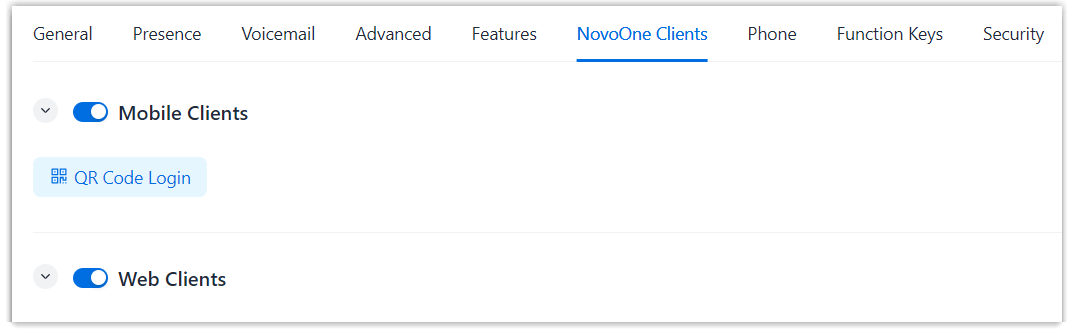
- Click Save.
Result
The selected NovoOne clients are enabled for the user.