Configure Your Voicemail Settings
This topic describes how to enable and configure your voicemail on NovoOne Web Client.
Procedure
- Log in to NovoOne Web Client, go to .
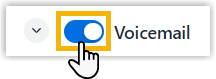
- Turn on the switch to enable voicemail for your extension.
- To require a PIN for accessing your voicemail, do as follows:

- Select the checkbox of PIN Authentication.
- In the PIN field, set a PIN code.Note: The PIN code should be
3-15digits.
- Specify the information to be announced during voicemail playback.Note: If two or more options are enabled, the information will be announced in the following order: Forwarded From > Date and Time > Caller ID > Message Duration.
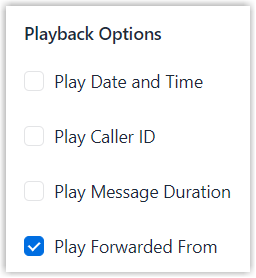
Setting Description Play Date and Time Announce the date and time when the message was received. If enabled, you can set the time format used for the announcement.Note: When set to Follow System, the system's global time format is used.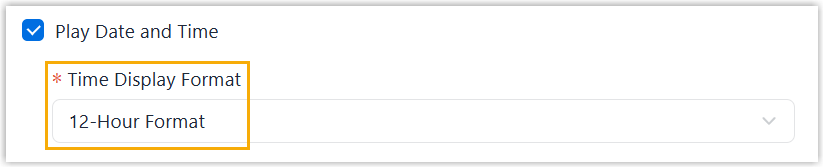
Play Caller ID Announce the caller ID of the party who left the message. Play Message Duration Announce the message duration. Play Forwarded From Announce the forwarding source if the message is forwarded. - Click Save.