Calls Overview
This topic provides an overview of the call panels on the NovoOne Web Client.
Dialer panel
You can use the dialer panel to place a call. To access it, click  at the top of the
web interface.
at the top of the
web interface.
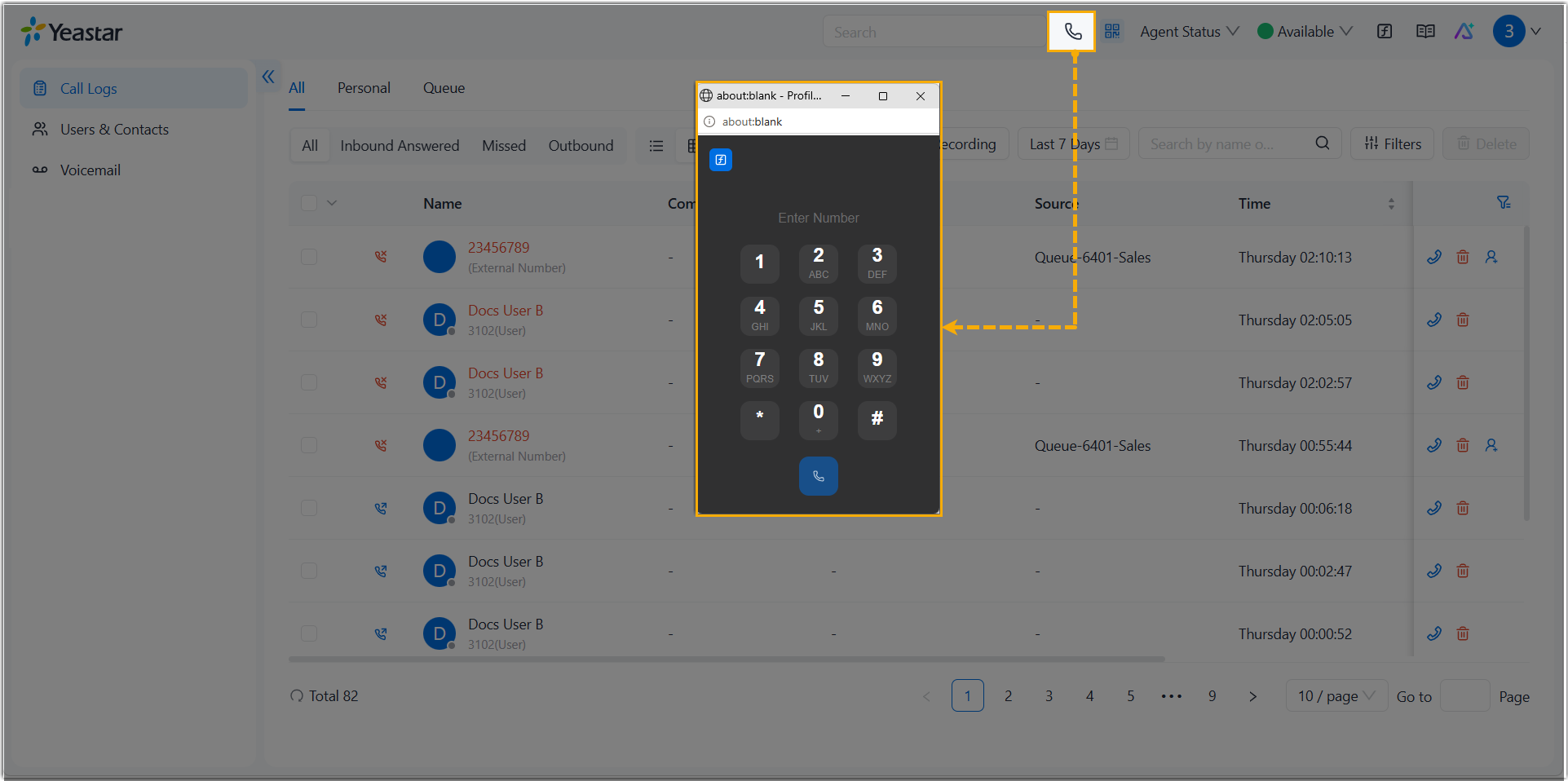
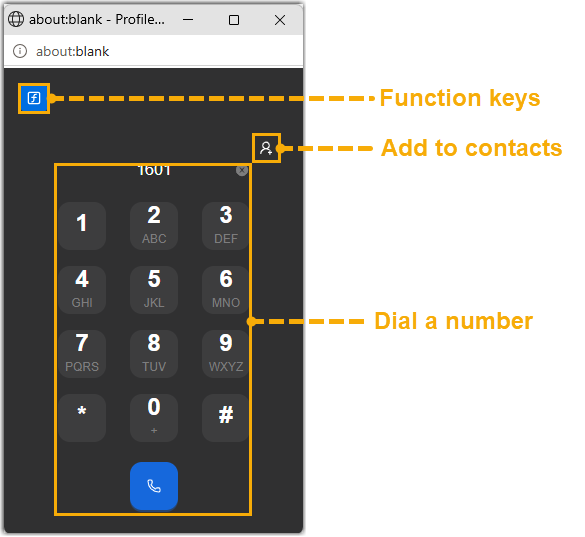
The panel provides quick access to the dialpad, contacts, and function keys.
Call control panel
The call control panel appears during an active call. It overlays the call screen and provides buttons to manage the ongoing call. To access it, click the call screen while on an active call.
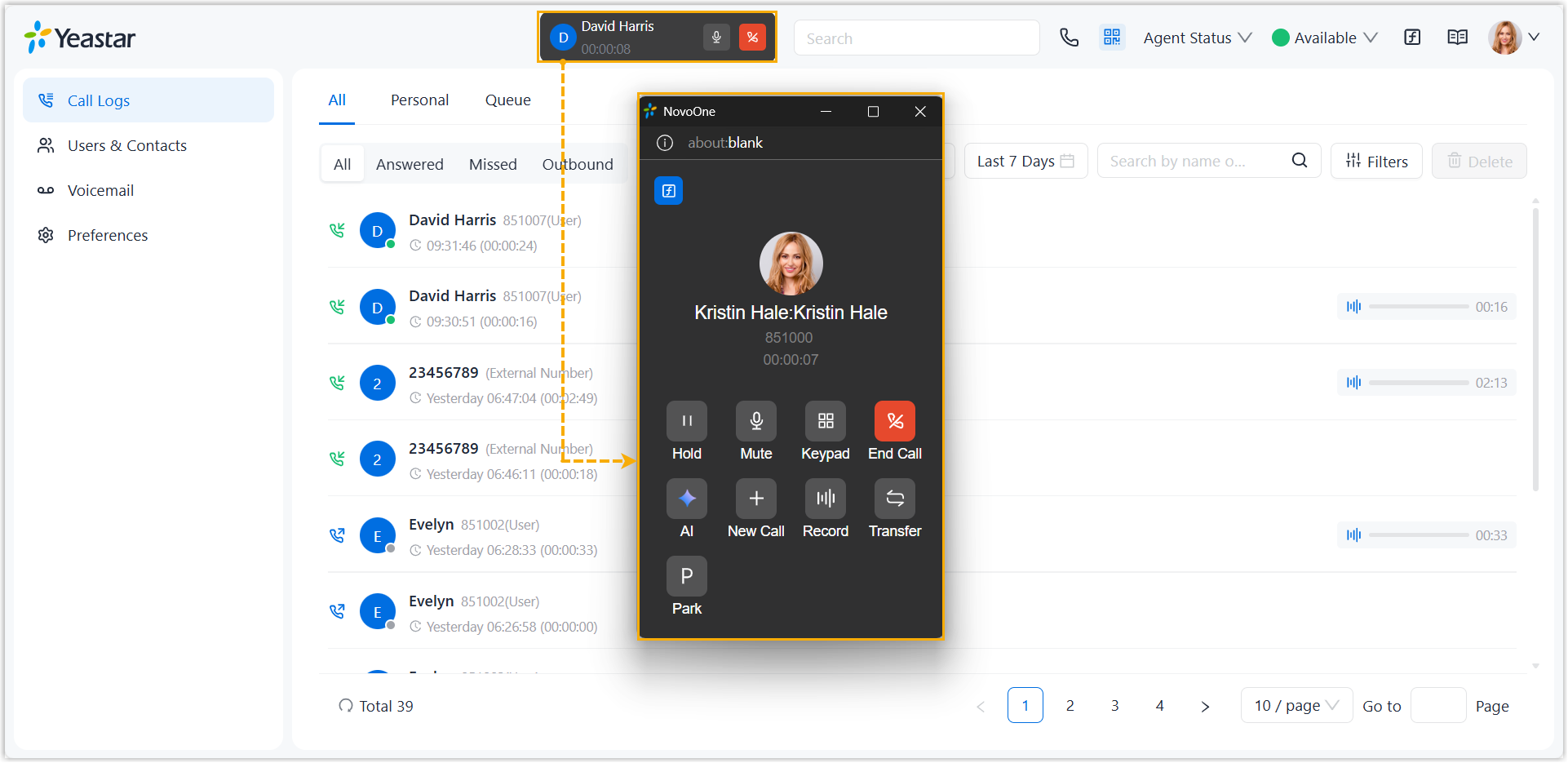
For more information about the call operations, see Manage an Ongoing Call.