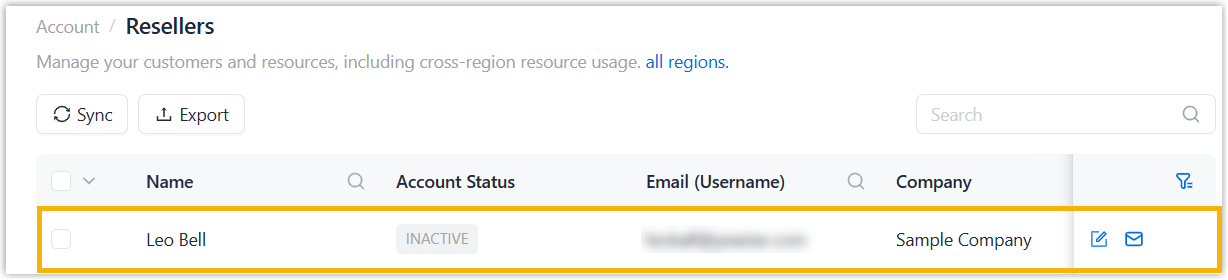
Sync Reseller Accounts from Yeastar Partner Portal
After creating reseller accounts on Yeastar Partner Portal, you can sync the accounts to NovoOne Platform. After syncing, you can allocate resources you subscribed to resellers and grant feature permissions to them. This topic describes how to sync reseller accounts on NovoOne Platform.
Prerequisites
You have created accounts for resellers on Yeastar Partner Portal.
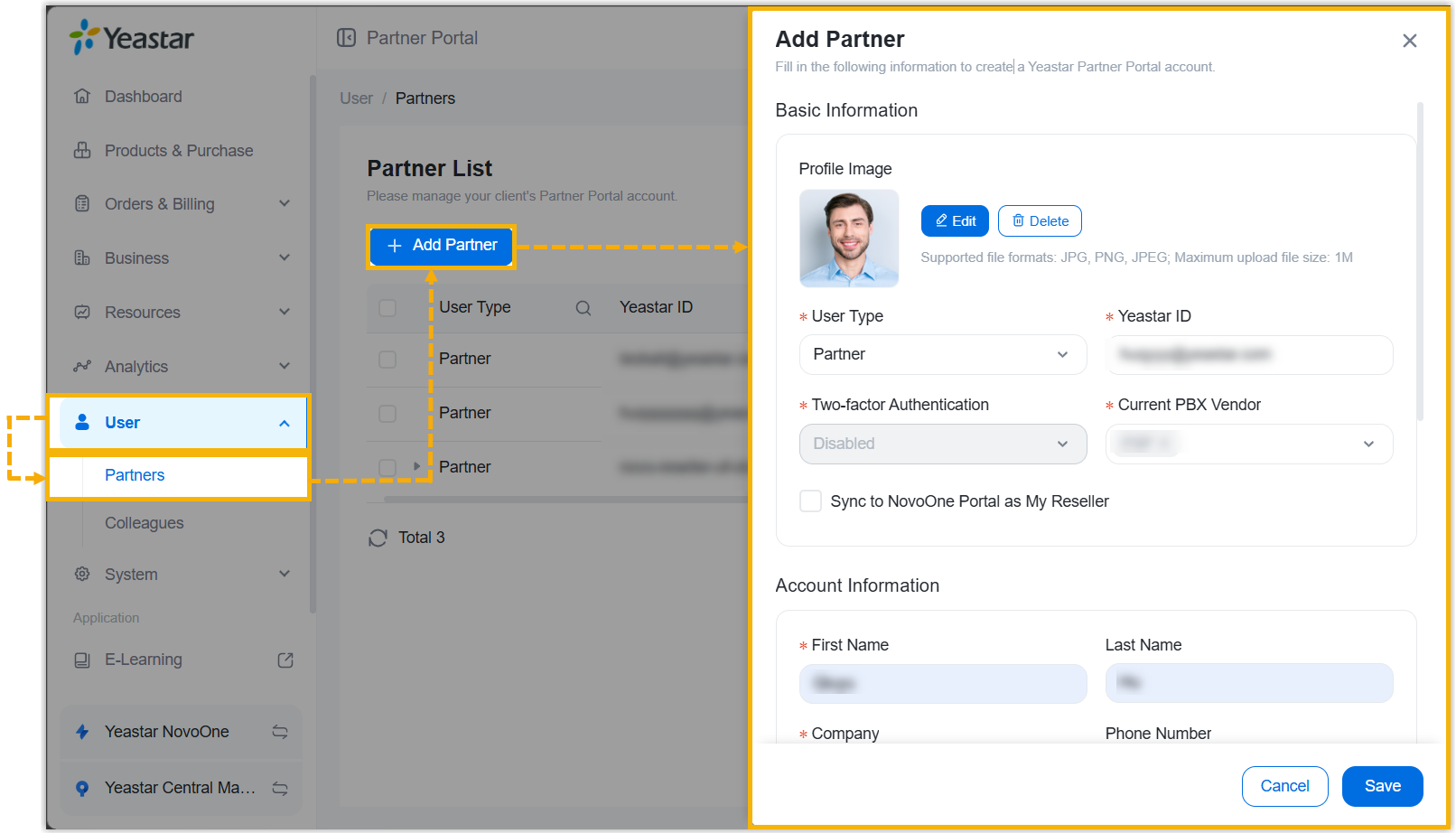
Procedure
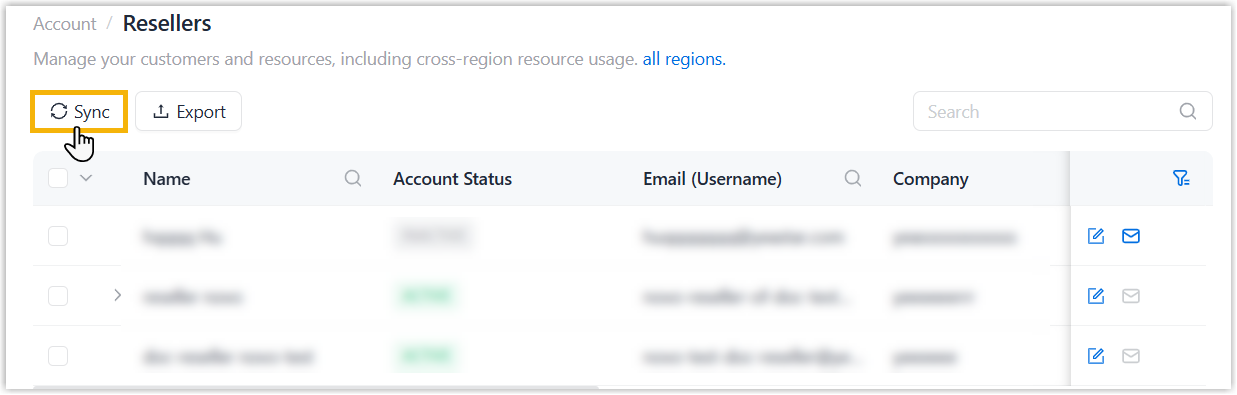
- Log in to NovoOne Platform portal, go to .
- At the top-left corner of the reseller list, click
Sync.
- In the pop-up window, complete the following settings.
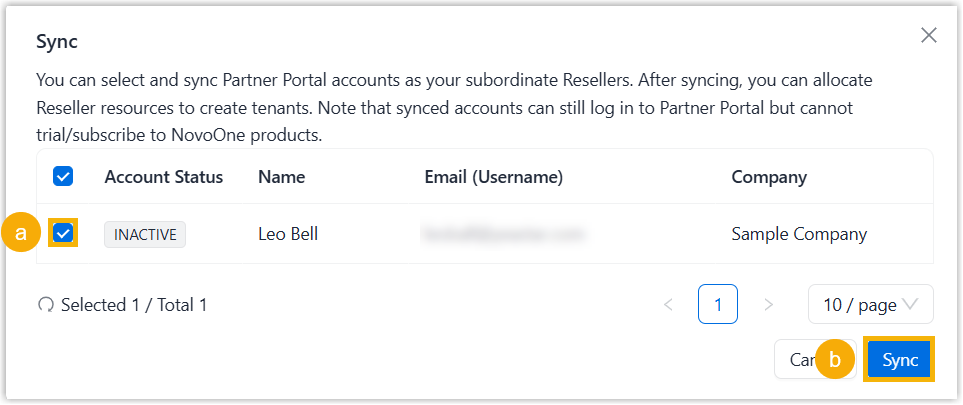
- Select the reseller accounts to be synced in the list.
- Click Sync.
Result
The selected reseller accounts appear in the reseller list.