Sync Call History to iPhone
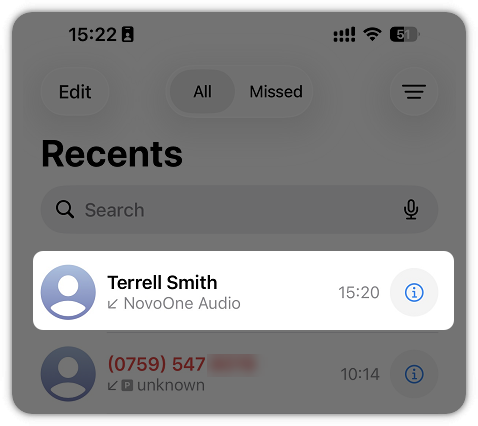
With Sync Call History to Phone enabled, calls handled by NovoOne Mobile Client are synchronized to the mobile phone's native call history, allowing you to review business calls and return calls directly from the phone's call history.
Limitations
This feature is supported on NovoOne iOS Client only.
Requirements
The version of NovoOne iOS Client is 26.10.6 or later.
Procedure
- At the top-left corner of NovoOne
Mobile Client, tap your account.
You will enter the Profile & Settings page.
- In the FEATURES section, tap Call Features.
- Turn on the switch of Sync Call History to Phone.
Result
Call records generated while the feature is enabled are synchronized to the phone's native call history.
Note:
-
Call records generated before the feature is enabled are not synchronized to the phone.
- If you disable the feature, no further call records are synchronized to the phone, but previously synchronized records remain in the phone's native call history.