Log in to Mobile Client using QR Code
You can quickly log in to NovoOne Mobile Client by scanning a QR code.
Requirements
Your mobile device's operating system must meet the following requirements:
| Platform | Minimum | Recommended |
|---|---|---|
| iOS | iOS 16, 3GB RAM (iPhone 8 Plus and above) |
iOS 16, 4GB RAM (iPhone XS and above) |
| Android | Android 8.0, 4GB RAM | Android 12, 8GB RAM |
Prerequisites
Obtain the login QR code via either of the following methods:
- Contact your system administrator to obtain the QR code.
- If you have received a welcome email, the login QR code is included in the email.
Procedure
- Open the NovoOne Mobile Client.
- On the login page, tap Sign in with QR Code.
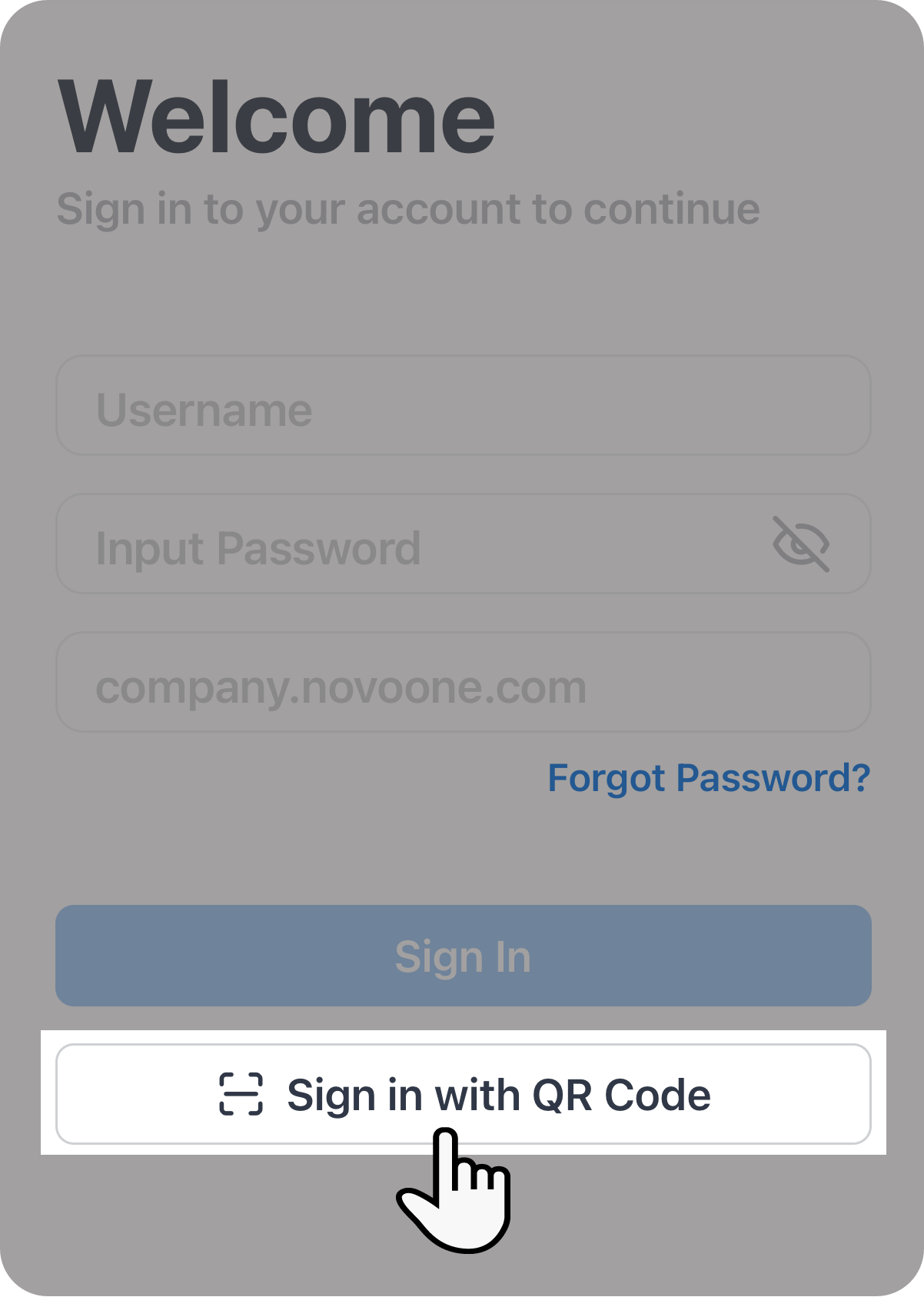
- Scan the QR code.
Result
The NovoOne Mobile Client will get the login information and log in to your account automatically.