Log out of Mobile Client
This topic describes how to log out of NovoOne Mobile Client.
Procedure
- At the top-left corner of NovoOne
Mobile Client, tap your account.
You will enter the Profile & Settings page.
- Sign out from your account.
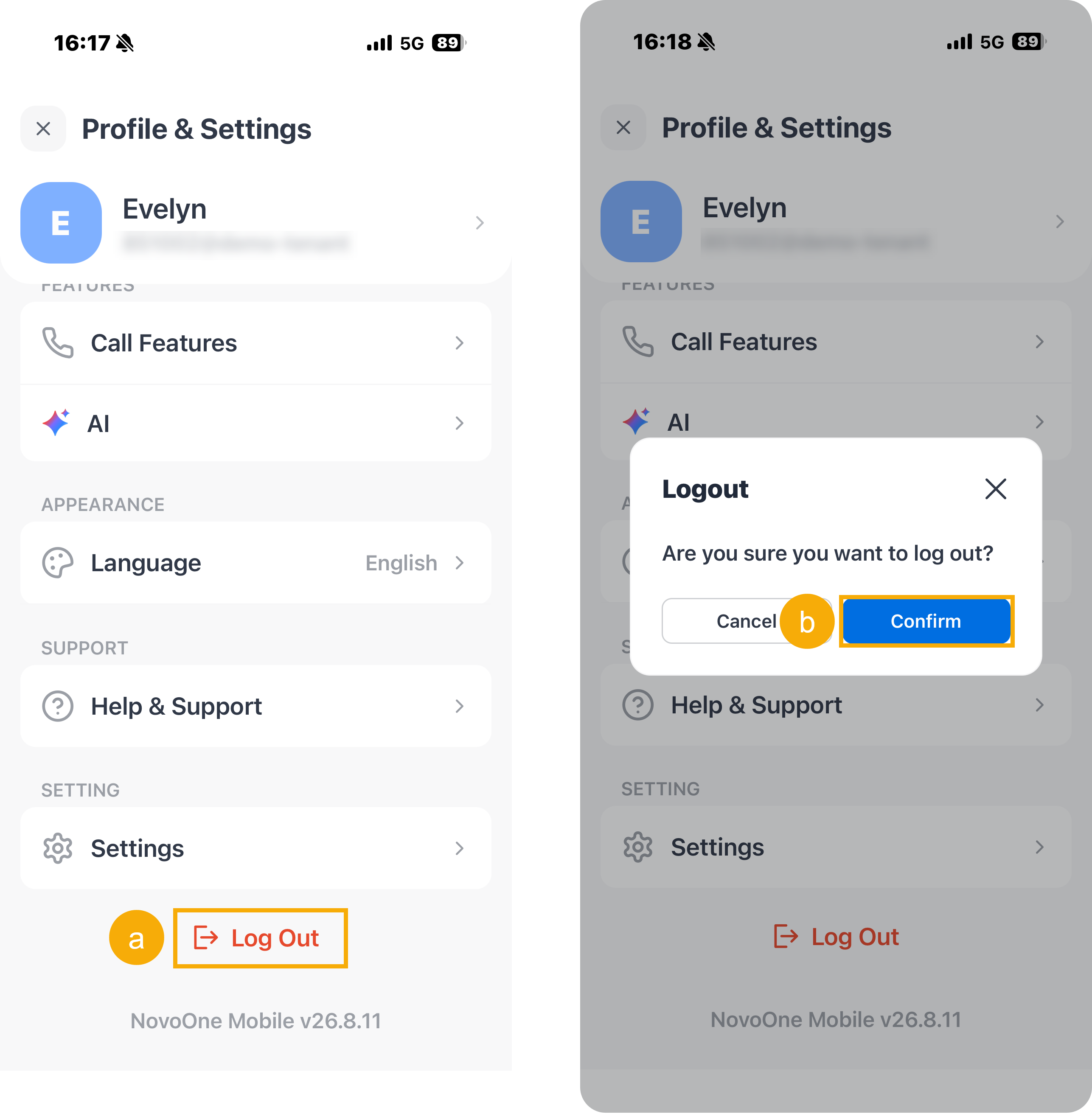
- Scroll down to the bottom of the page, then tap Sign Out.
- In the pop-up window, tap Confirm.