Change Login Password
This topic describes how to change login password for your Yeastar Partner Portal account.
Procedure
- Log in to Yeastar Partner Portal.
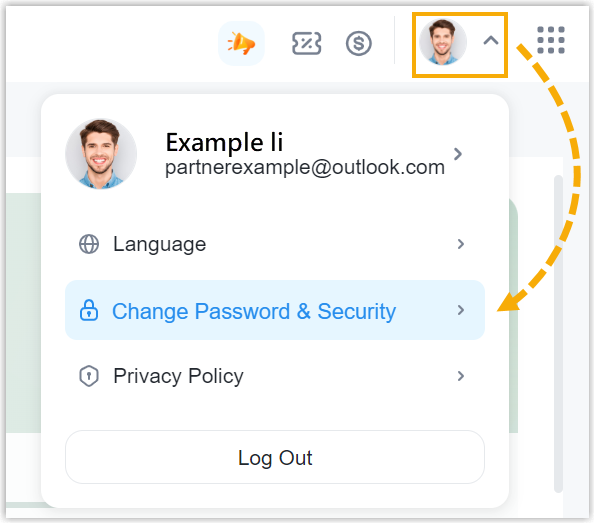
- At the top-right corner, click your account and select
Change Password & Security.
- Under the Change Password tab, enter the current
password and set a new password.Note: For security reasons, we recommend that you set a strong password.
- Click Save.
- In the pop-up window, click OK.
Result
- The login password is changed, and your account is automatically logged out
of Yeastar Partner Portal.Note: Your Yeastar Central Management and Yeastar NovoOne login password is changed to the new password simultaneously.
- You can now log in to Yeastar Partner Portal with the new password.