Add an Extension
Add an extension.
MCP tool
create_extensionTool parameters
You need to specify the following parameters in your request.
Note: You can ask your MCP client what other settings are
supported using a prompt
such
as "What settings can I configure when creating an
extension?".
| Parameter | Required | Description |
|---|---|---|
| number | Yes | Extension number. |
| type | Yes | Extension type. Currently, only |
| user_password | Yes | The user password that is used to log in to Linkus clients. |
| presence_status | Yes | The extension's presence status, e.g., available. Note: The supported presence status values are
the same as those available in the PBX administrator portal. If
you are unsure which values are supported, you can ask your MCP
client using a prompt such as "What are the valid values for
presence status?" |
| concurrent_registrations | Yes | The number of SIP phones that can simultaneously register with the extension. |
| first_name | Yes | The user's first name. |
| reg_name | Yes | The name that is used to register the SIP extension. |
| reg_password | Yes | The password that is used to register the SIP extension. |
Example
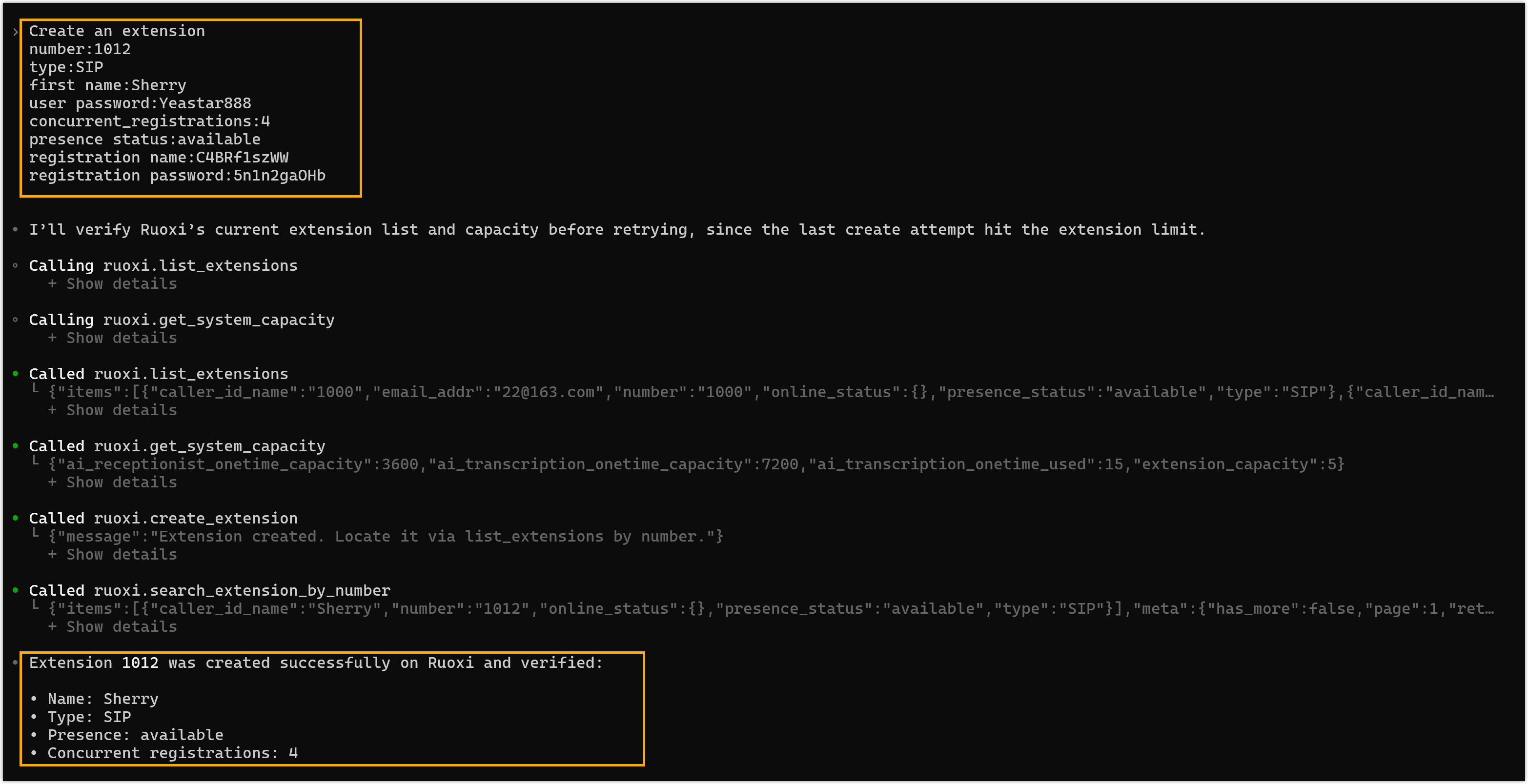
The following example demonstrates how to use a natural language request in Codex to call this tool and add an extension.
- Prompt example
-
Create an extension
number:1012
type:SIP
first name:Sherry
user password:Yeastar888
concurrent_registrations:4
presence status:available
registration name:C4BRf1szWW
registration password:5n1n2gaOHb.
- Response example