Reassign a User to a Provisioned IP Phone
This topic describes how to reassign a user to a provisioned IP phone on NovoOne Tenant.
Procedure
- Log in to NovoOne Tenant portal, go to .
- Click
 beside the desired phone.
 -
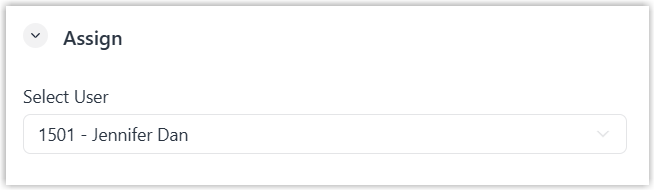
In the Assign section, select a user in the Select User drop-down list.Note: If the desired user exists but is not listed in the drop-down list, it indicates that the phones registered to the user has reached the limit. You can use either of the following methods to proceed.
- To release the user form the previous phone, see Release a User from a Provisioned IP Phone.
- To associate the user with multiple IP phones, see Allow Multiple Registrations for One User.
- Click Save.
The extension of the user is automatically registered on the phone.