View Colleague Extensions
This topic describes how to view colleague extensions and quickly reach your colleagues.
Procedure
- Log in to NovoOne Mobile Client.
- Go to .
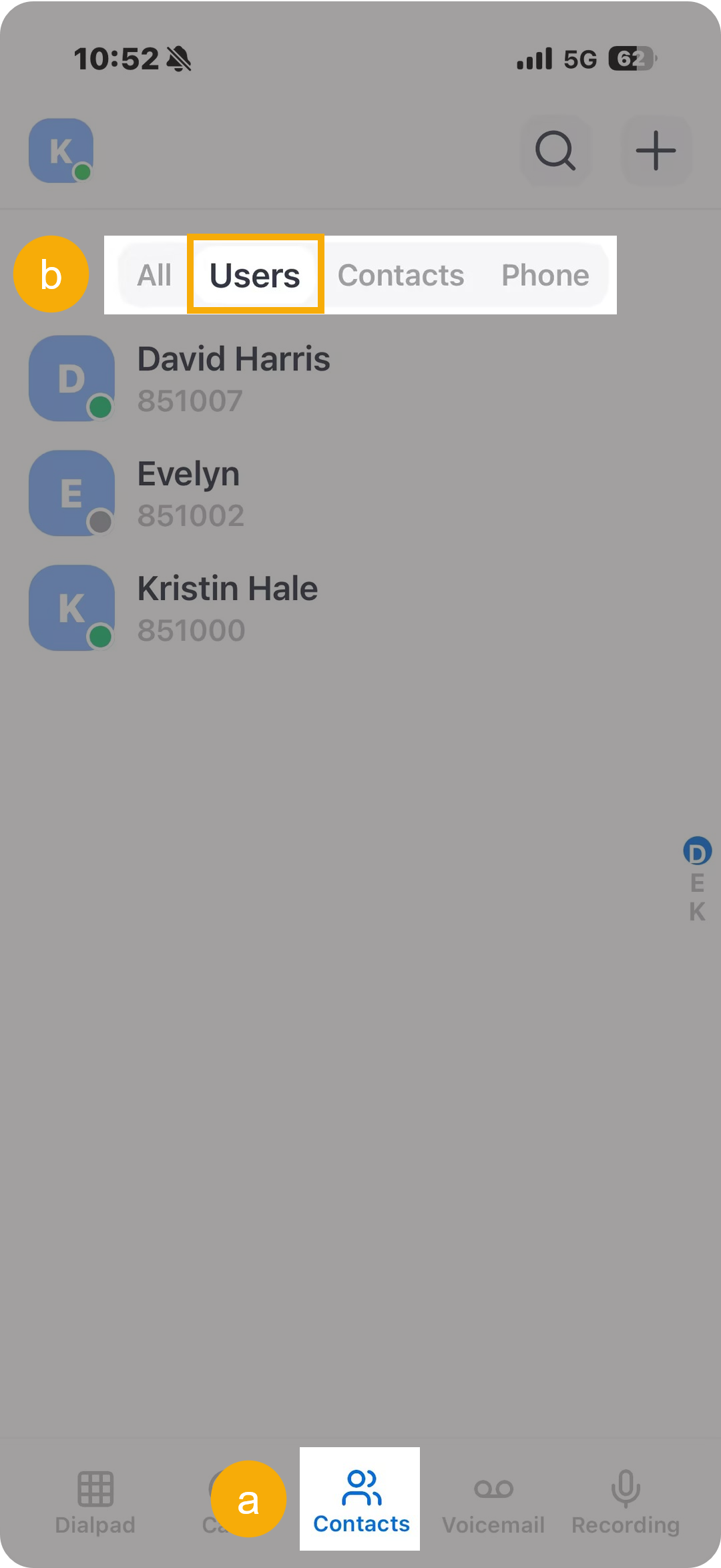
All your colleagues' extensions are displayed.
- Tap the desired user from the list to enter the details page.
-
On the details page, you can perform the following operations:
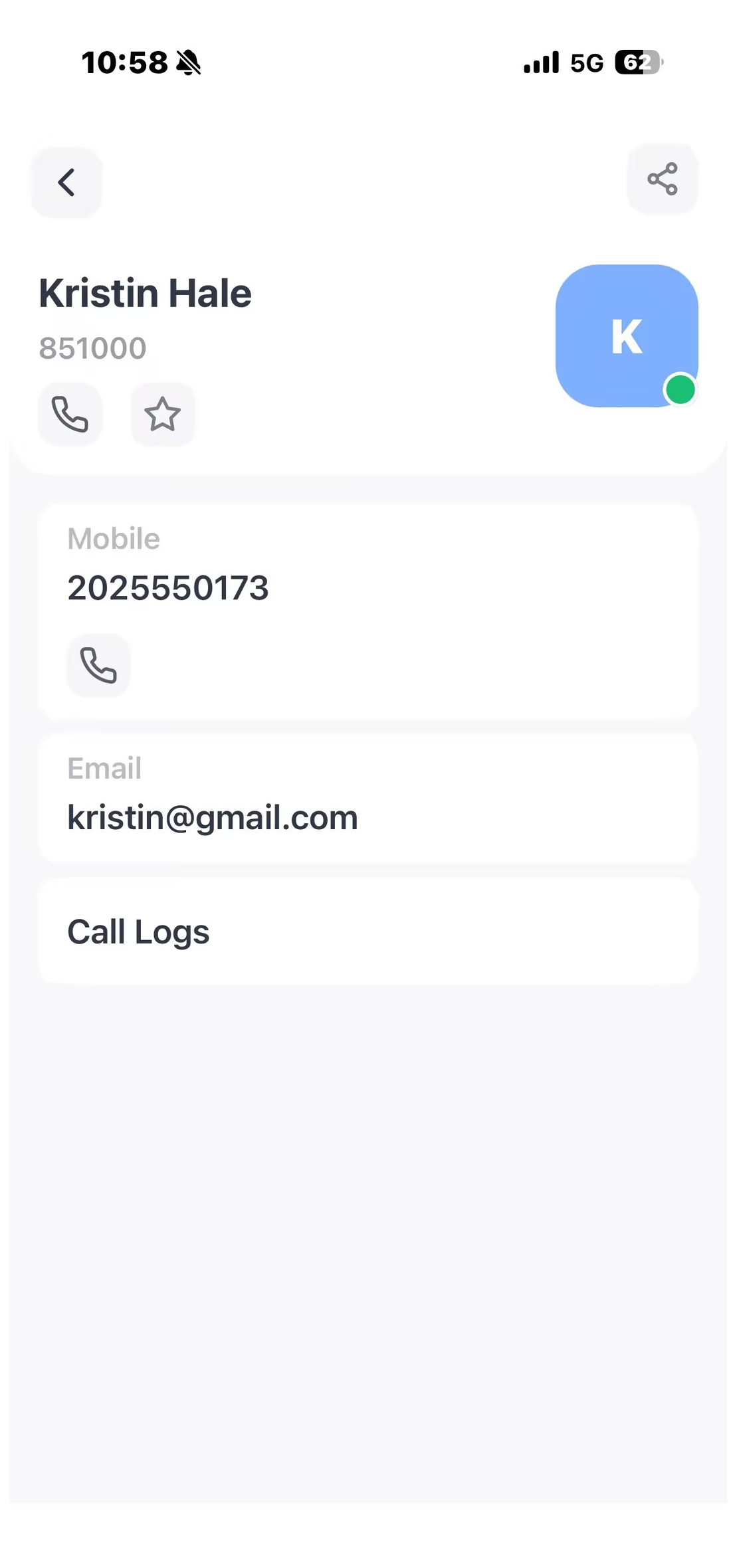
- View the user information.
- Tap Call Logs to check the call history with the user.
- Use the following icon for quick actions as needed.
Icon Description 
Place an audio call to the colleague's extension number or mobile number. 
Add the colleague to your Favorites list. 
Quickly copy the colleague's information (name, extension number, mobile number, and email address) for sharing.