View and Manage Contacts
This topic describes how to view and manage your personal contacts and the visible company contacts on NovoOne Web Client.
Procedure
- On NovoOne Web Client, go to .
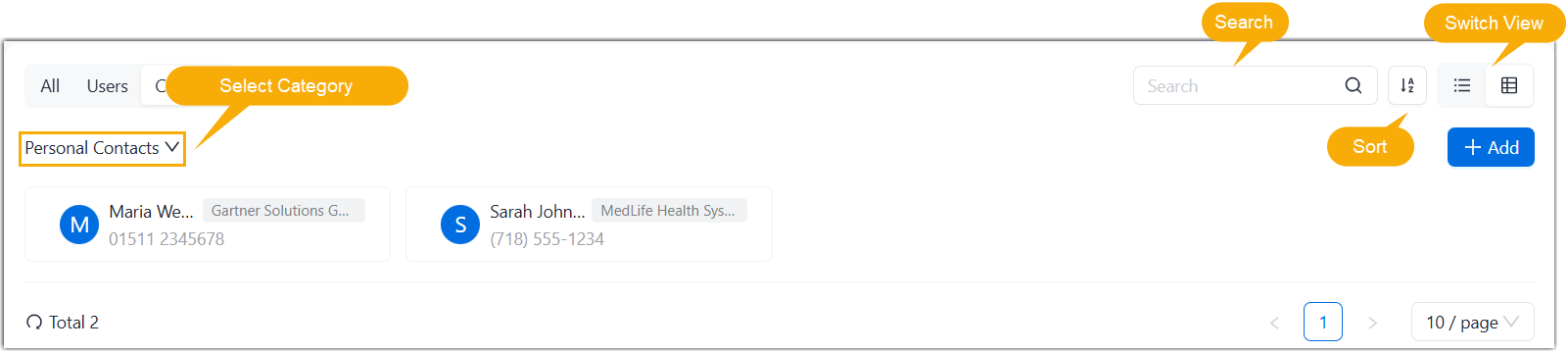
- Optional: Adjust the contact list display by searching, sorting, or
switching between List View and Grid View.
- Click a contact card to view detailed information about a contact.
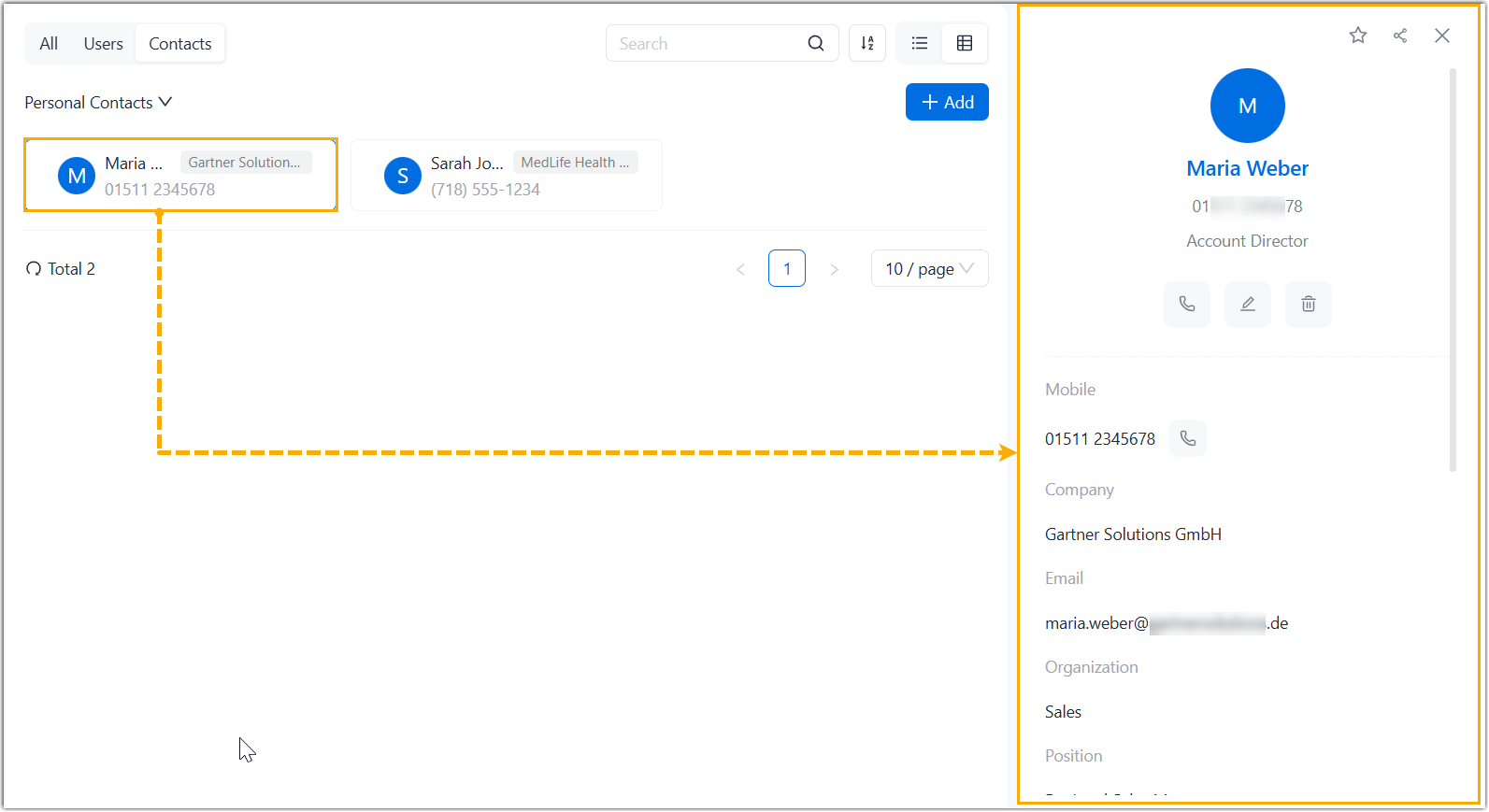
- Use the following icon for quick actions as needed.
Icon Description 
Place an audio call to the contact. 
Quickly add a company contact to your personal contact list. 
Edit the contact information. Note: This operation is available only for personal contact.
Add the contact to your Favorites list. 
Quickly copy the contact's information (name, email address, numbers, and company) for sharing. 
Delete a contact. Note: This operation is available only for personal contact.