Mark or Remove Favorite Contacts
This topic describes how to mark or remove favorite contacts on NovoOne Web Client.
Mark a favorite contact
You can mark a desired colleague or contact as favorites for quick location and
retrieval.
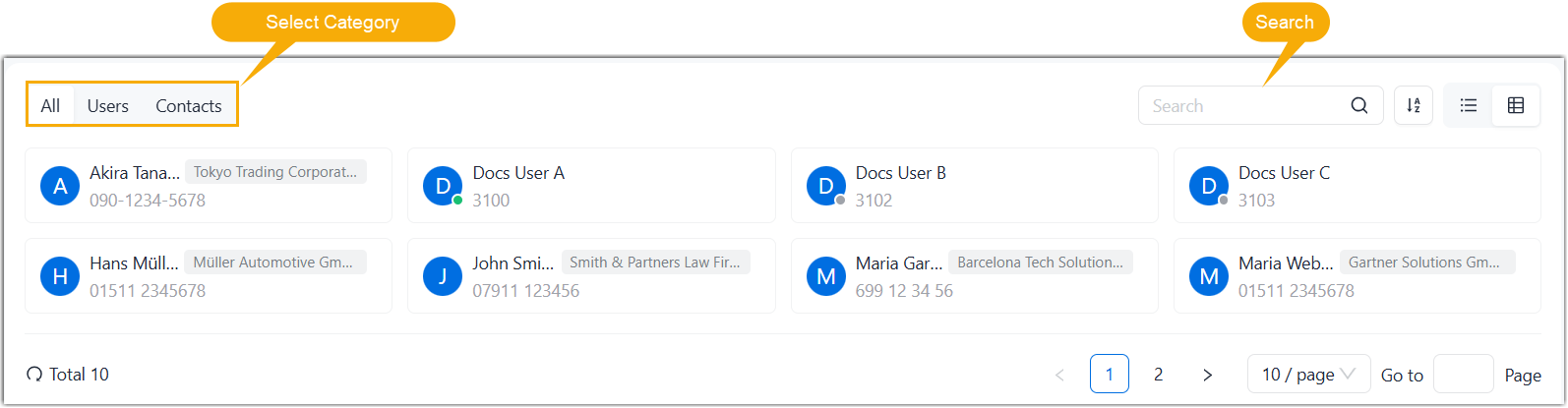
- On the NovoOne Web Client, go to Users&Contacts.
- Search and find the desired colleague or contact.
- Add the colleague or contact to favorite contacts list.
- Hover over the desired colleague or contact.
- On the contact details page, click
 .
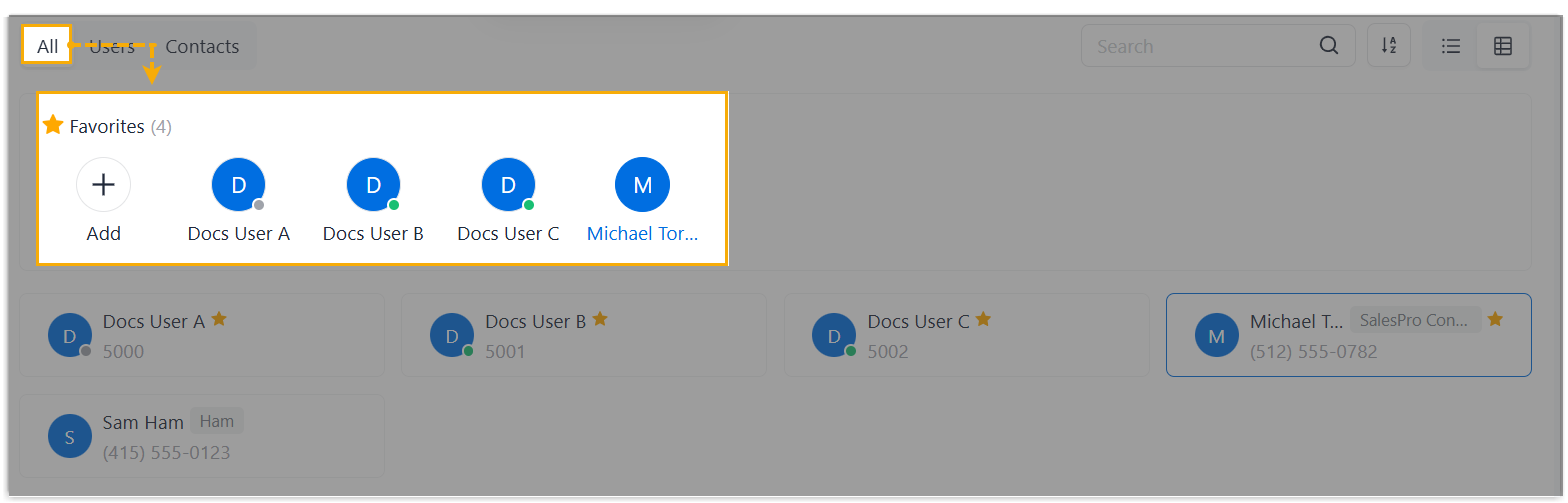
.The colleague or contact is marked as favorites, which can be found in the Favorites list under the All tab.
Remove favorite contacts
- On the NovoOne Web Client, go to Users&Contacts.
- Hover over the Favorites list, then click
Manage.

- Hover to select the checkboxes of the desired contacts, then click
Remove.

-
In the pop-up window, click OK.
The contacts are removed from your Favorite list.