Add a Notification Contact
When an alarm occurs, YMP will send notification emails to the contacts that are added on Notification Contact page.
- Go to , click Add.
-
On the Add Contacts page, select a created YMP regular user
or set a custom contact.
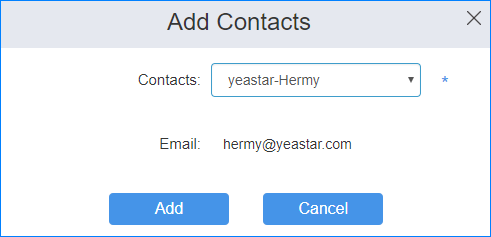
- Click Add.