Create and Configure a VPC in One Step
This topic describes how to rapidly deploy a complete Virtual Private Cloud, including subnets, gateways, and route tables, through an automated process. This method is suitable for projects requiring a quick start.
Procedure
- Access the VPC creation page.
- Log in to Amazon VPC Console.
- On the left navigation pane, click Your
VPCs, then click Create VPC.

- In the Resources to create section, select
VPC and more.
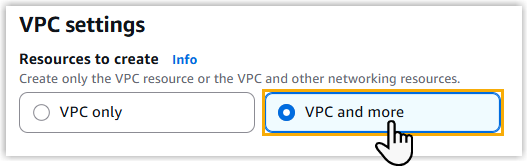
- Configure basic VPC properties:
- In the Name tag auto-generation section,
specify the name of the VPC and related VPC resources via either of
the following methods:
Method Instruction Create name tags automatically 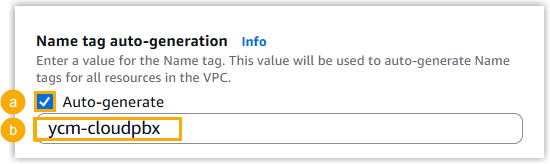
- Keep the Auto-generate option selected.
- In the text field below, enter a name for your
VPC.
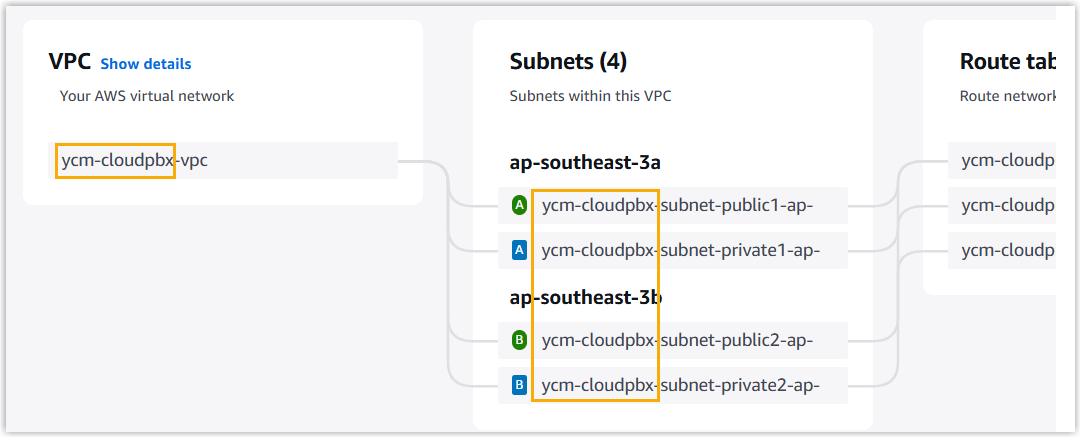
The AWS automatically generates name tags for other VPC resources based on the VPC name, which can be viewed in the Preview section on the right-side.
Define name tags manually 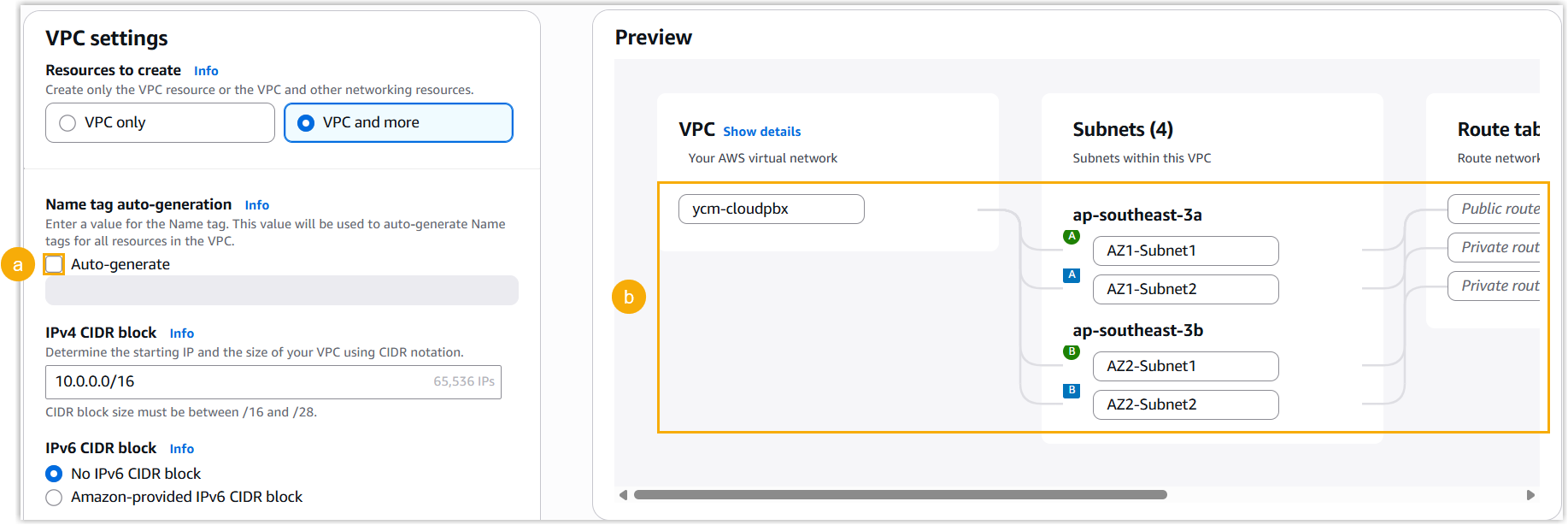
- Unselect the Auto-generate option.
- In the Preview section, specify name tags for each VPC resources.
- Configure other VPC properties:

- IPv4 CIDR block: Specify an IPv4 CIDR block for the VPC. In this example, enter 10.0.0.0/16.
- IPv6 CIDR block: Select No IPv6 CIDR block.
- Tenancy: Retain the default setting.
- In the Name tag auto-generation section,
specify the name of the VPC and related VPC resources via either of
the following methods:
- Configure availability zones and subnets.
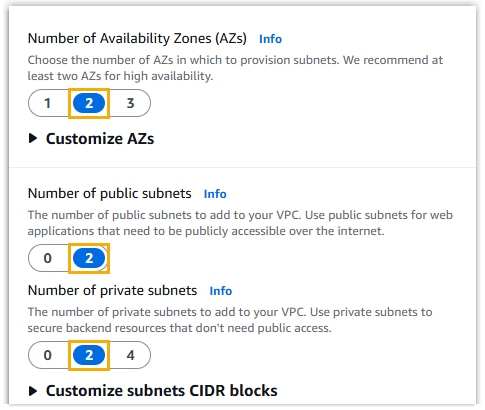
- Number of Availability Zones (AZs): Choose how many Availability Zones to deploy resources across. In this example, select 2.
- Number of public subnets: Defines the number of public subnets per AZ. In this example, select 2.
- Number of private subnets: Defines the number of private subnets per AZ. In this example, select 2.
- Configure network connectivity.
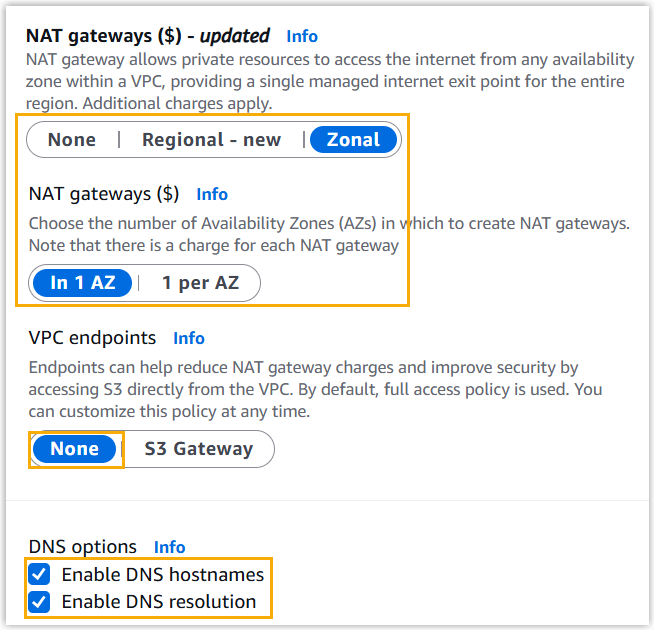
- NAT gateways: Select Zonal, then choose In 1 AZ.
- VPC endpoints: Select None.
- DNS options: Retain all DNS settings.
- Review the settings, and double check the topology in the Preview section.
- Click Create VPC to proceed.
Result
Your VPC has been successfully created with the following core components:
-
Public and private subnets in your selected Availability Zone.
-
An Internet Gateway attached to the VPC.
-
A NAT Gateway for outbound access.
-
Route tables with essential routes configured.
-
Default Network ACLs and security groups associated.