Override AI Call Transcription for a User
After AI call transcription is enabled globally, calls for authorized users can be recognized and transcribed in a preset language. You can adjust the transcription settings for users individually to meet their specific needs.
Prerequisites
You have enabled the global AI Call Transcription feature, and granted the usage permission to the desired users.
Procedure
- Log in to NovoOne Tenant portal, go to .
- Click
 beside the authorized user, then go to the
AI tab.
beside the authorized user, then go to the
AI tab. - In the Call Transcription section, configure the
following settings according to the user's need.

Setting Description Automatic Call Transcription Specify whether to automatically transcribe the user's calls in real time. Note: If this option is disabled, users can also start transcription from the call screen manually during an active call on their NovoOne clients as needed.Show Transcript after the Call Ends Specify whether to automatically display the transcript and call summary after the call ends. Language Select the desired language for call transcription. Note:- If set to Follow System, the language specified in the global transcription settings will be used.
- Users can also switch the transcription language for a specific call during the call.
Summary Template Select a template for call summary. The selected template will be applied when the system generates call summary for this user's calls.Note:- If set to Follow System, the default global template will be used.
- Users can also select a different summary template for a specific call from the call log. The summary will be regenerated using the newly selected template.
- Click Save.
Result
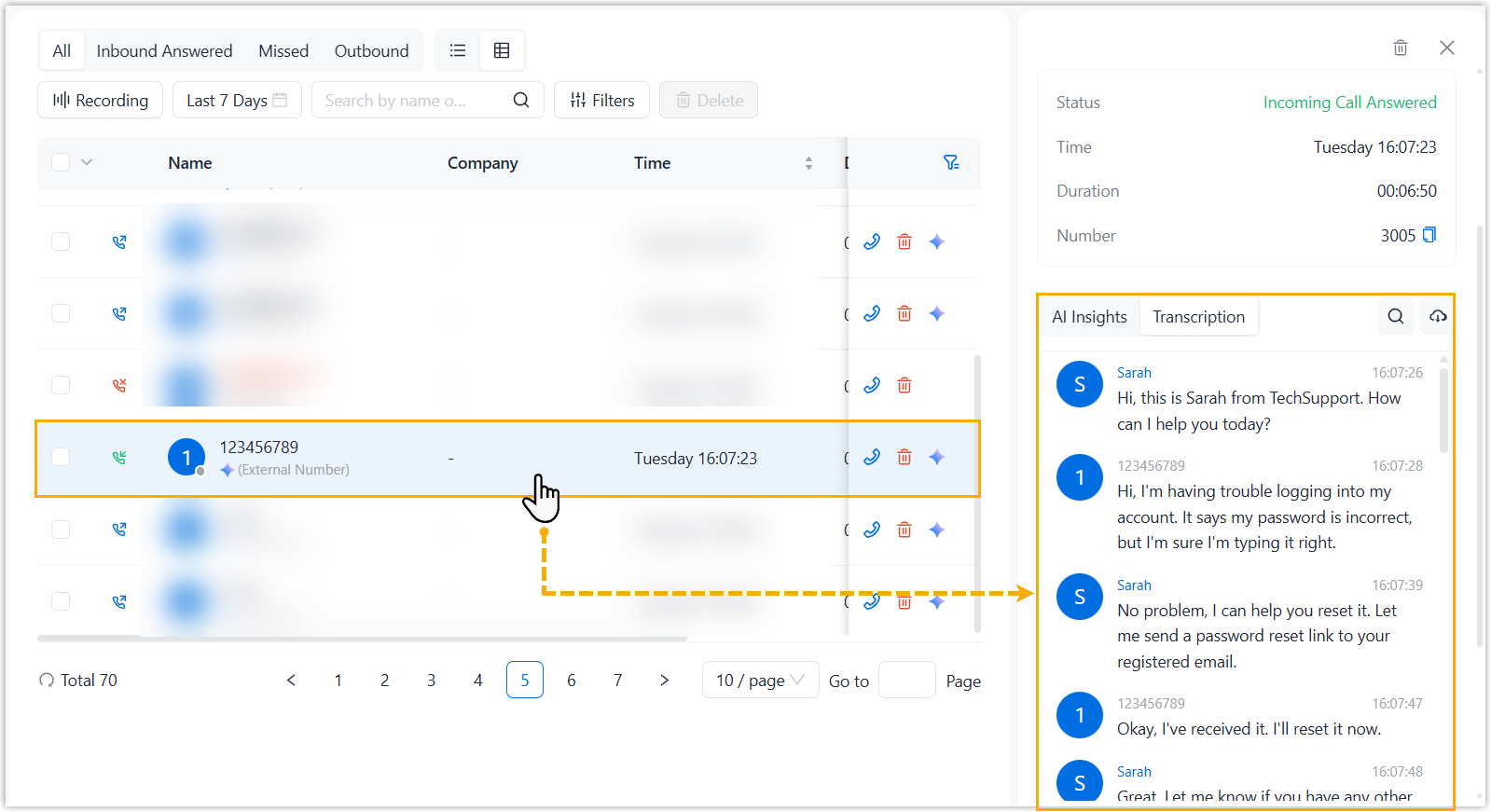
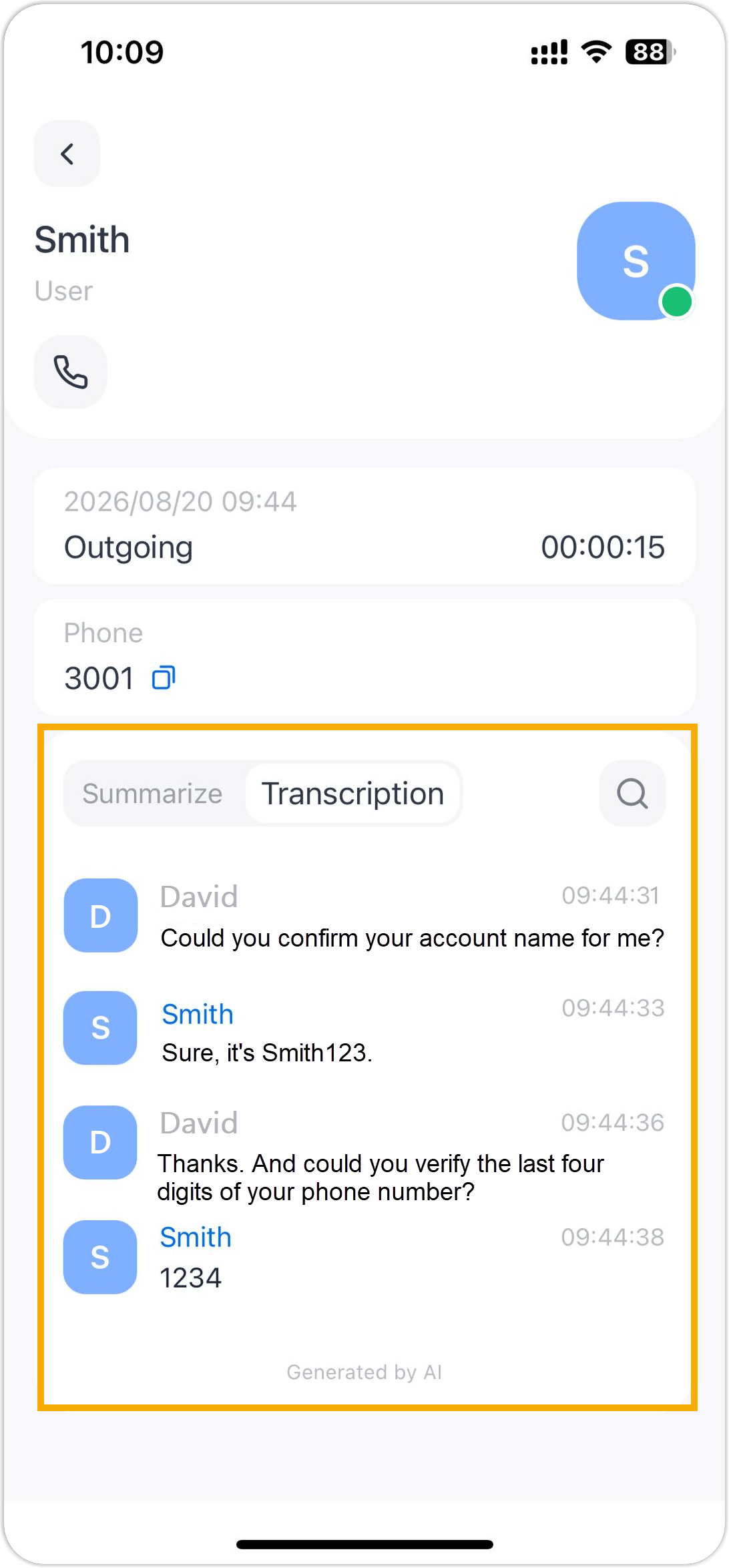
- When the user makes or receives a one-to-one call, call audio can be recognized and transcribed in the configured language in real time and a call summary can be generated based on the specified summary template automatically after the call ends.
- The user can access the AI-generated call transcript and summary in the call
logs on their NovoOne clients.
NovoOne Web Client NovoOne Mobile Client