Change System Prompt language
System prompts are built-in prompts used to provide information and instructions to call participants, and are played in English by default. You can select from the available language options to change the system prompt language.
Procedure
- Log in to NovoOne Tenant portal, go to .
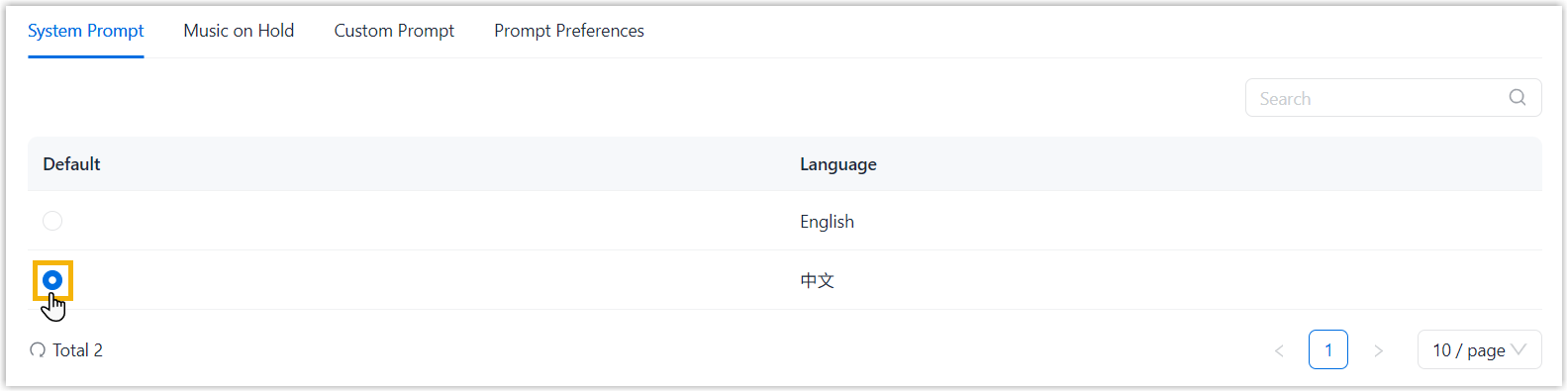
- In the System Prompt tab, set the desired prompt
language as default.
Result
The selected prompt language is applied to newly established calls in the system.
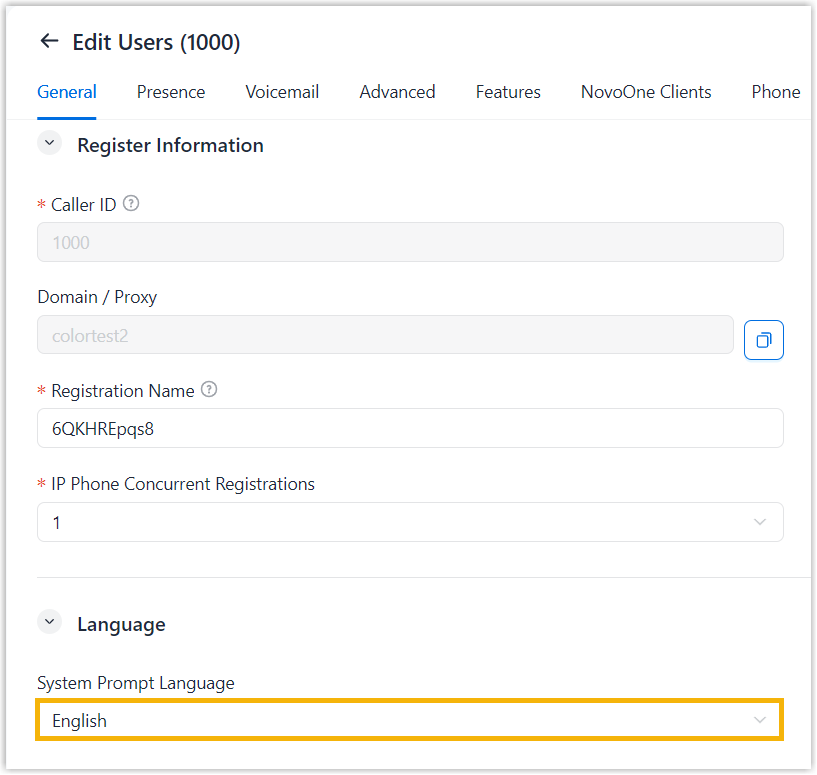
Note: You can configure a different system prompt language for
individual users to override the default setting. (Path: ).