Log in YMP Web Interface
When installing YMP server, you should provide an administrator account to Yeastar. The administrator account will be bound to your YMP server. Log in YMP web interface by the administrator account.
Note: Administrator's email address cannot be changed.
- Start a Web browser, access your YMP domain.
-
On the YMP login page, enter the Username and the
Password.
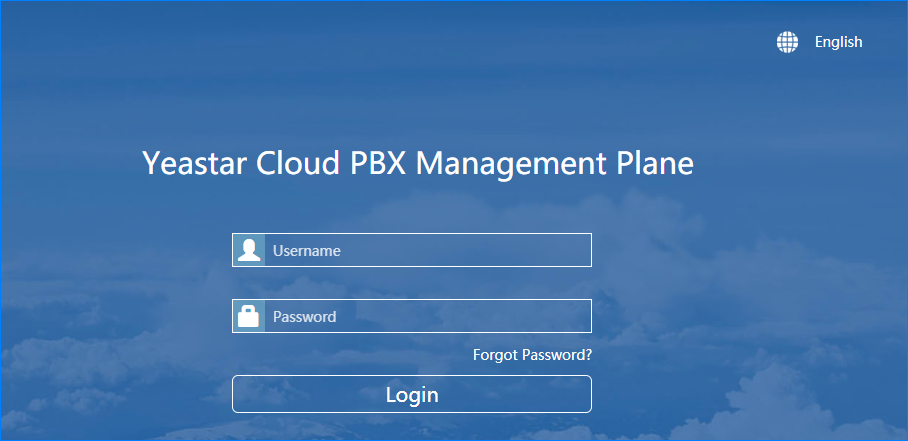
- Username: Enter the YMP administrator's email address.
- Password: Enter the YMP administrator's password.
- Click Login.