Add a Personal Contact
This topic describes how to add a personal contact. The personal contacts you add will be synchronized across your NovoOne clients and are only visible to yourself, other colleagues can not see your personal contacts.
Procedure
You can add a personal contact via any of the following methods:
| Method | Instruction |
|---|---|
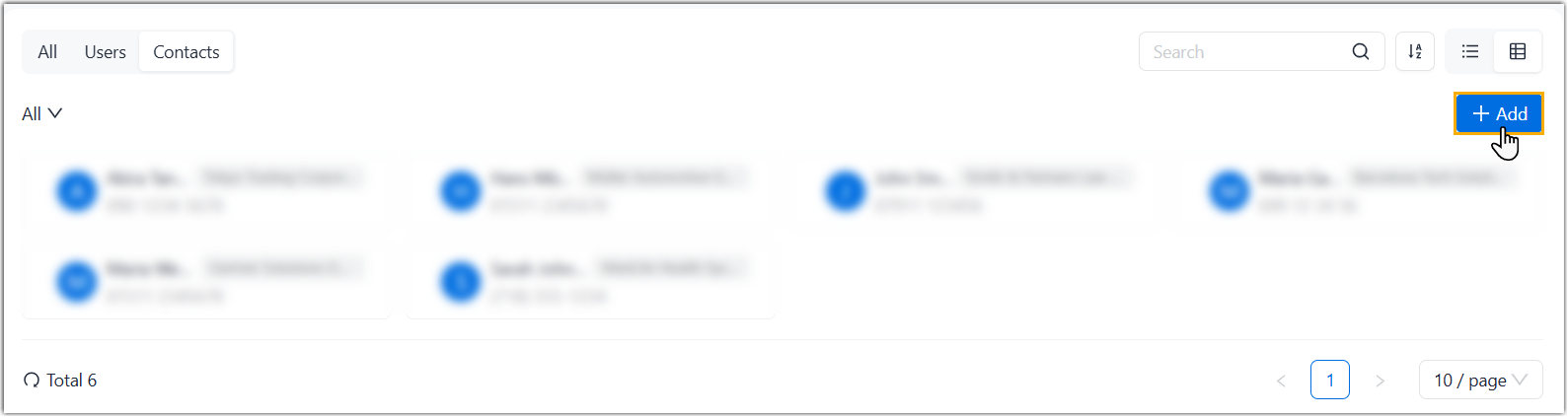
| Add a personal contact directly |
If there is no record or information about a contact on NovoOne clients, you can manually add a contact.
|
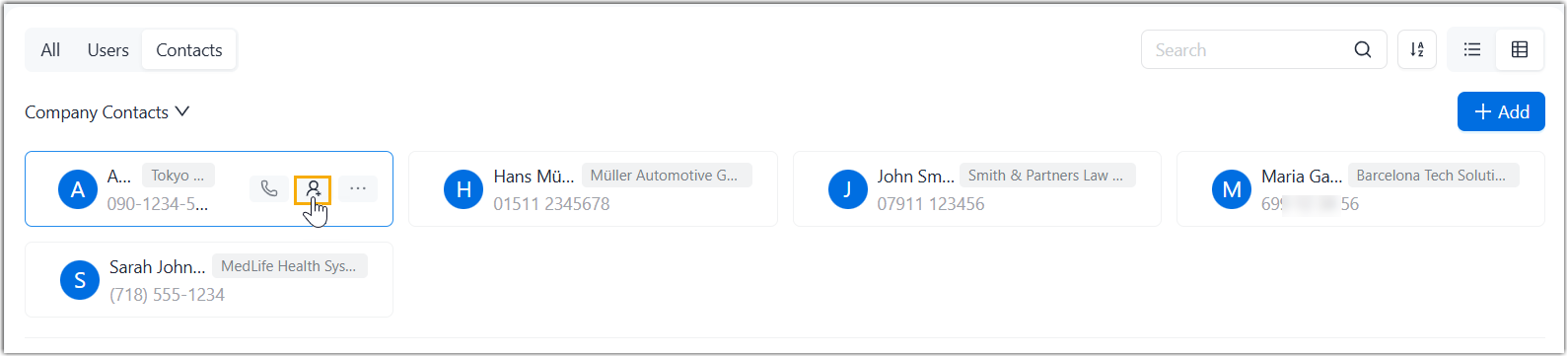
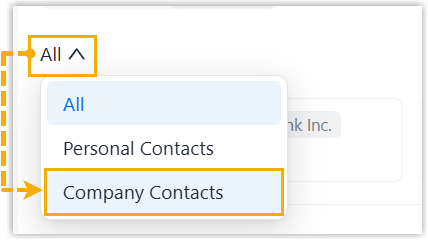
| Add a personal contact from company contacts | You can directly add a company contact to your Personal
Contacts
list.
|
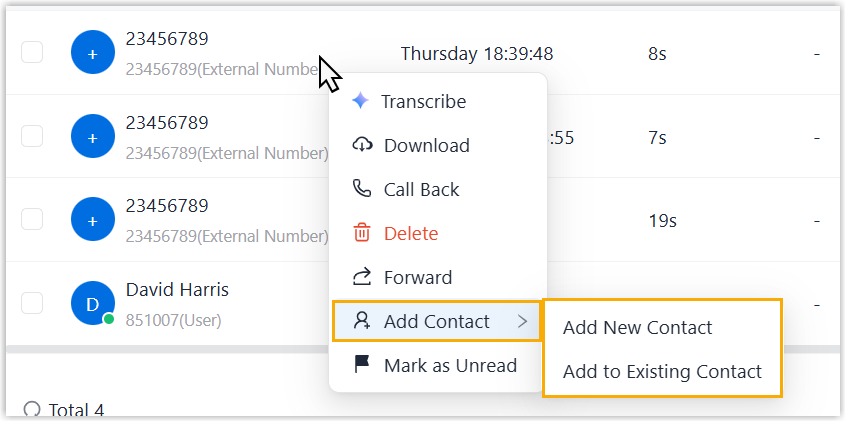
| Add an unknown number to a personal contact | You can directly add an unknown number from call log or
voicemail to your Personal Contacts list.
|
 .
.