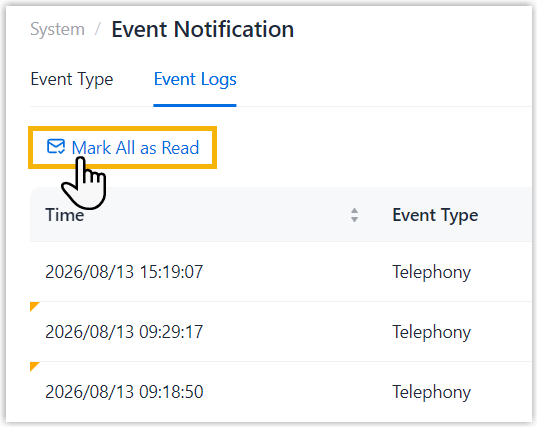
View Event Log
NovoOne records events in each Tenant portal, helping you track and review system activity.
Procedure
- Log in to NovoOne Tenant portal, go to .
- Set filter criteria to filter the desired event logs.
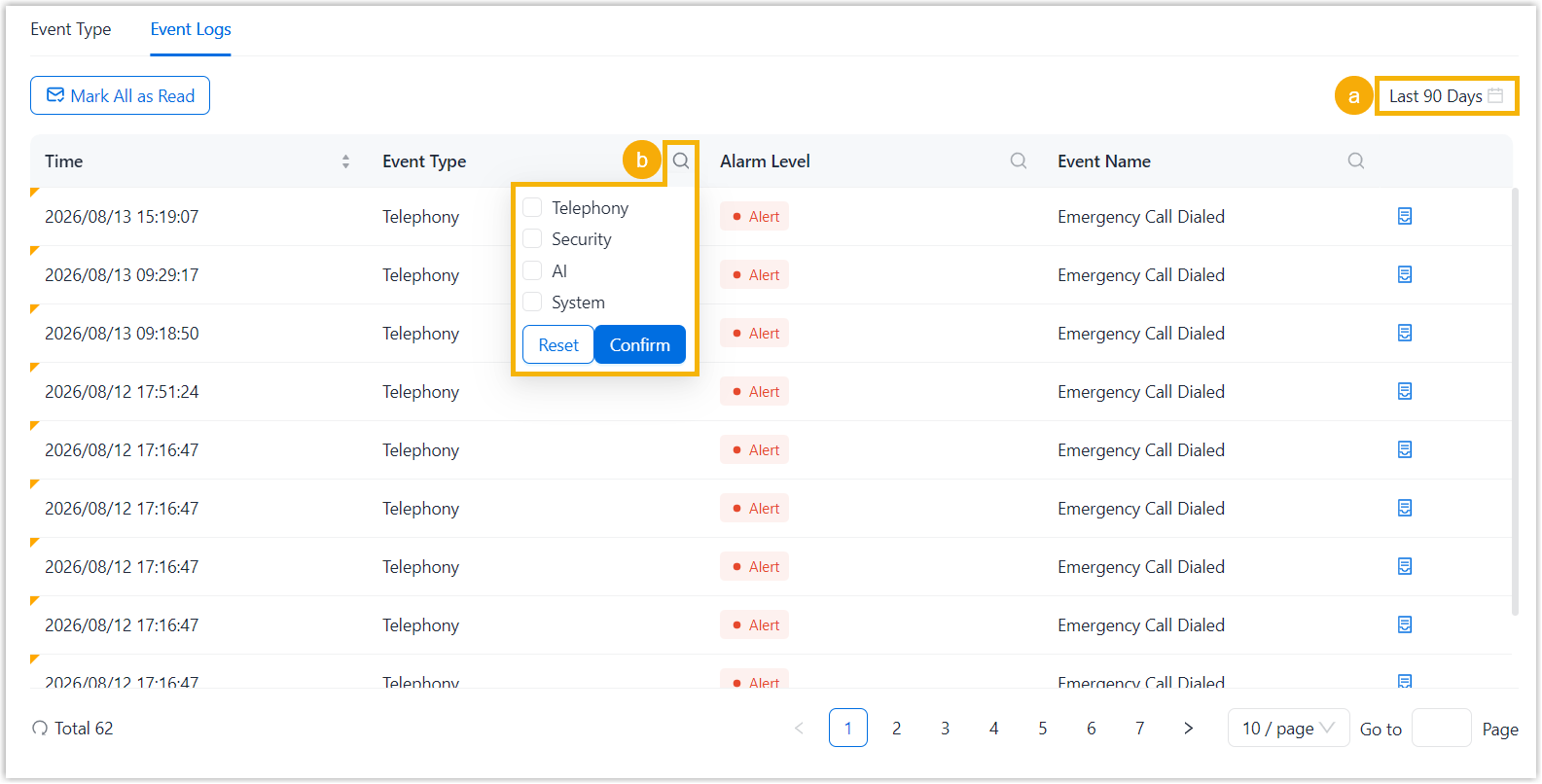
- Specify a time range.
- Set column filters to narrow down the results.
Result
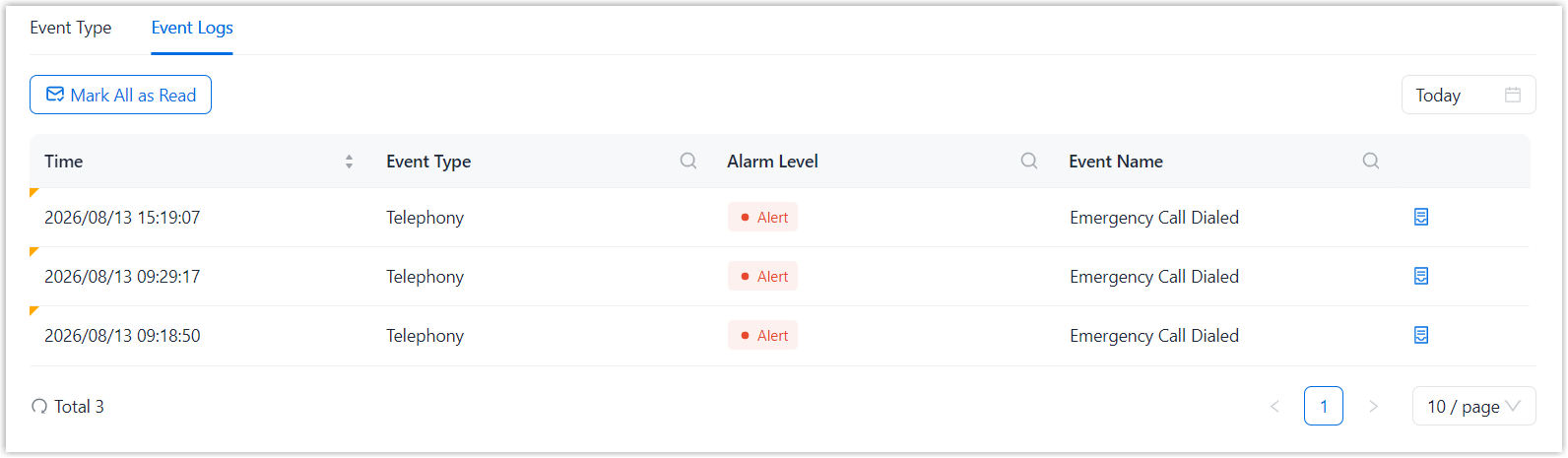
Event logs that match the filter criteria are displayed in the list. The following table describes the information available in the event log list.
| Item | Description |
|---|---|
| Time | The time when the event was triggered. |
| Event Type | Event type. |
| Alarm Level | Alarm level. |
| Event Name | Event name. |
| Detail | Click  to view the event details. to view the event details.Note: Viewing an event's details marks
the event log as read. To mark all event logs as read at
once, click Mark All as
Read.
|