Delete CDR
This topic describes how to delete CDR.
Introduction
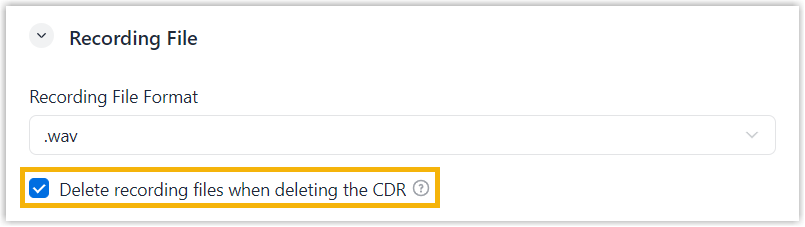
By default, deleting a CDR removes only the CDR itself and does not affect the associated recording files. You can choose to delete the associated recording files together with the CDR.
To implement this, enable Delete recording files when deleting the CDR in the recording settings (Path: ), then manually delete CDR following this topic.
Procedure
- Log in to NovoOne Tenant portal, go to .
- Optional: Filter the CDRs as needed.
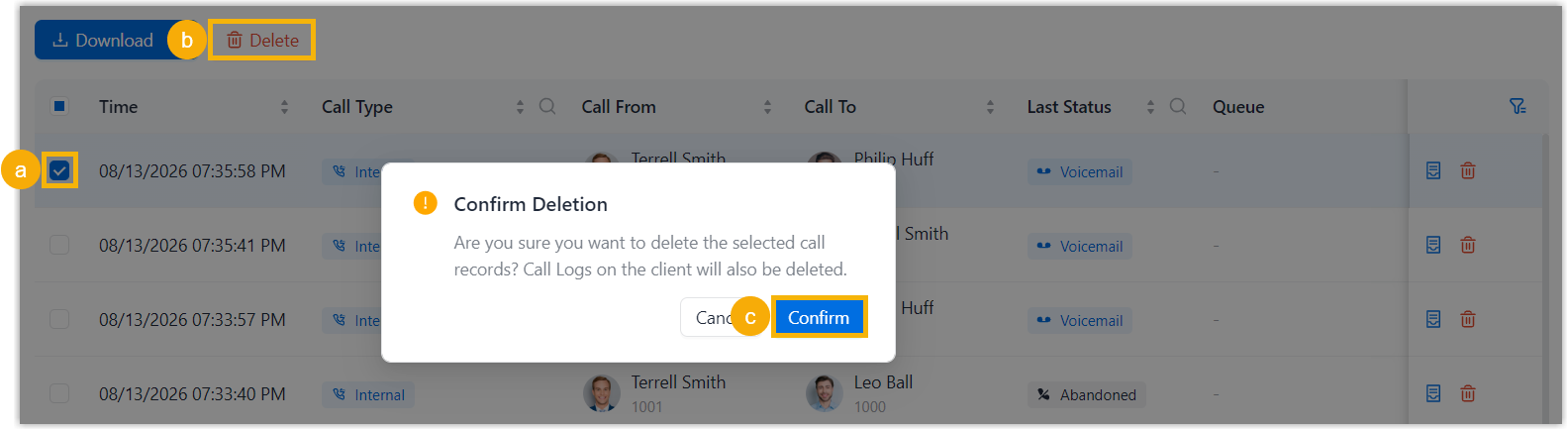
- Select the checkboxes of the desired call logs, then click Delete and
confirm the operation.
Result
The selected CDRs and their associated call data are deleted from Tenant portal, and are no longer accessible from clients.